
Tracking Progressive Overload and Client Performance Over Time
Building the program is only half the job. Knowing whether it's actually working is the other half.
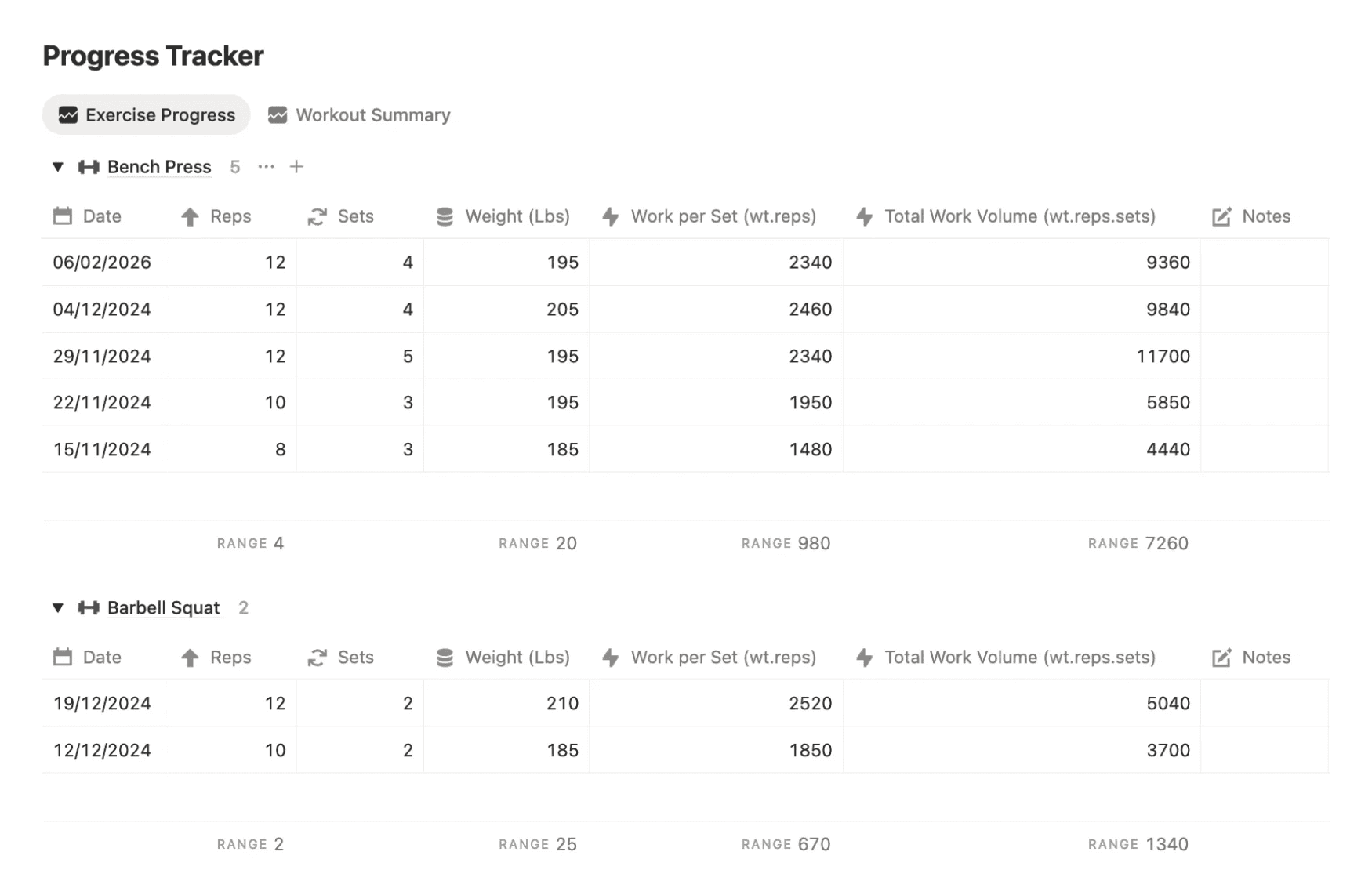
PRO COACH tracks every session your clients complete, so you build up a full picture of their progress over time rather than relying on memory or manual notes. Each workout logs automatically, and the performance metrics calculate themselves. You can see at a glance whether a client is lifting more, moving more volume, or hitting new personal bests without digging through old spreadsheets to find out.
The system supports 7 different workout types, and each one has its own dedicated progress tracker with metrics specific to that training style. Strength sessions track volume and load progression. Cardio sessions track output and endurance improvements. Every type of training your clients do gets measured in a way that's actually relevant to what they're trying to achieve.
For coaches who run progressive overload programs, this changes how you program entirely. Instead of guessing where a client is or asking them to remember what they lifted three weeks ago, you pull up their session history and the data tells you exactly where to take them next. It makes your programming sharper, your client reviews faster, and gives clients something visual to show them their progress is real.
That kind of progress visibility also does a lot for client retention. When someone can see clear stats showing their squat volume has gone up consistently over 8 weeks, they don't need convincing to renew.
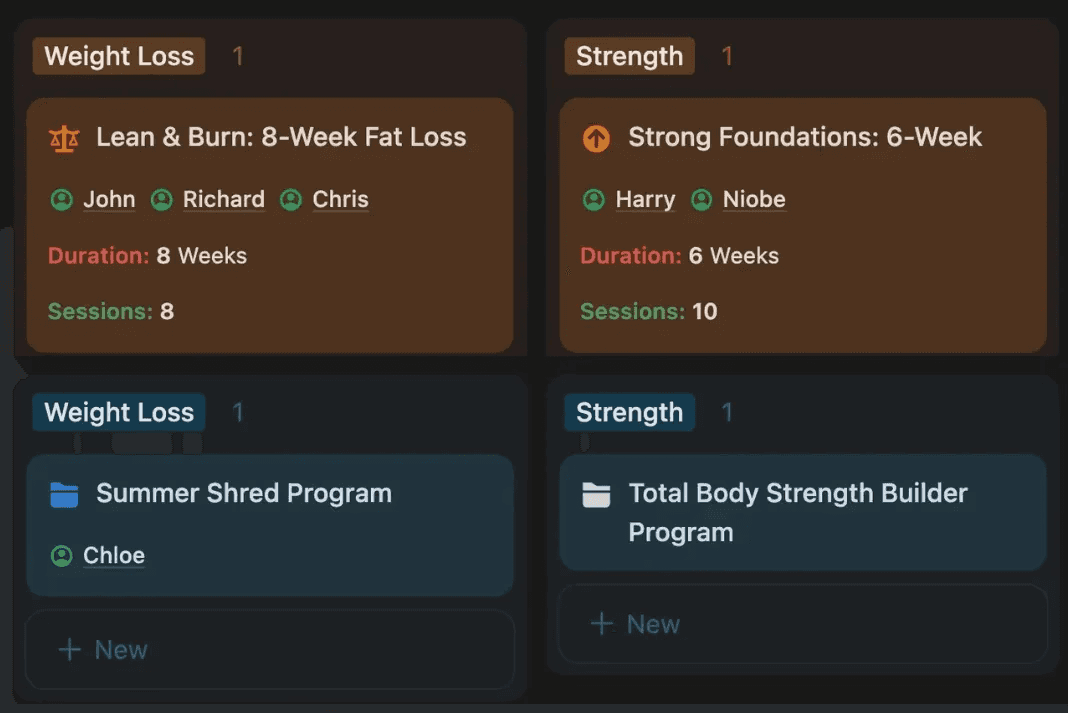
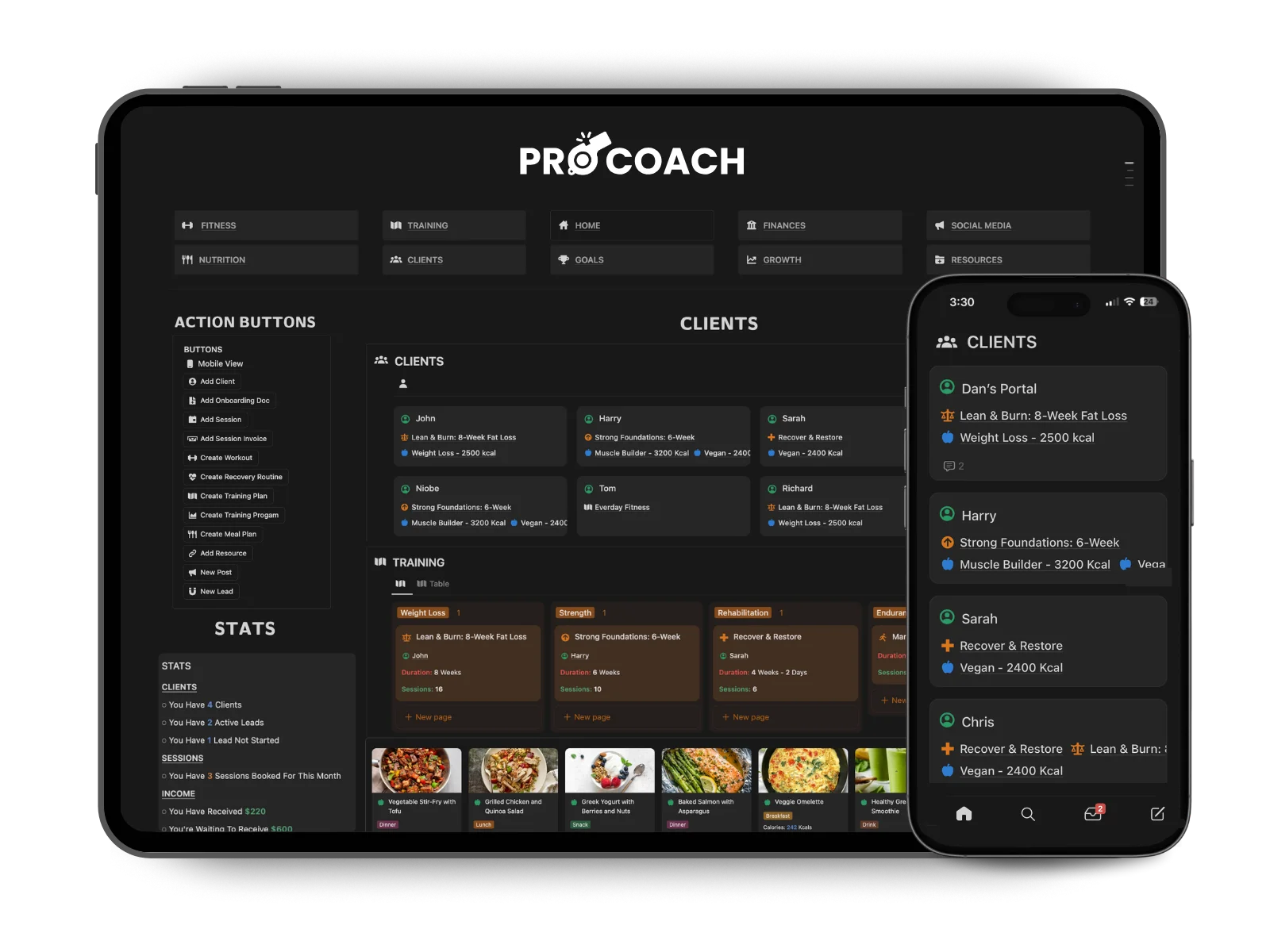
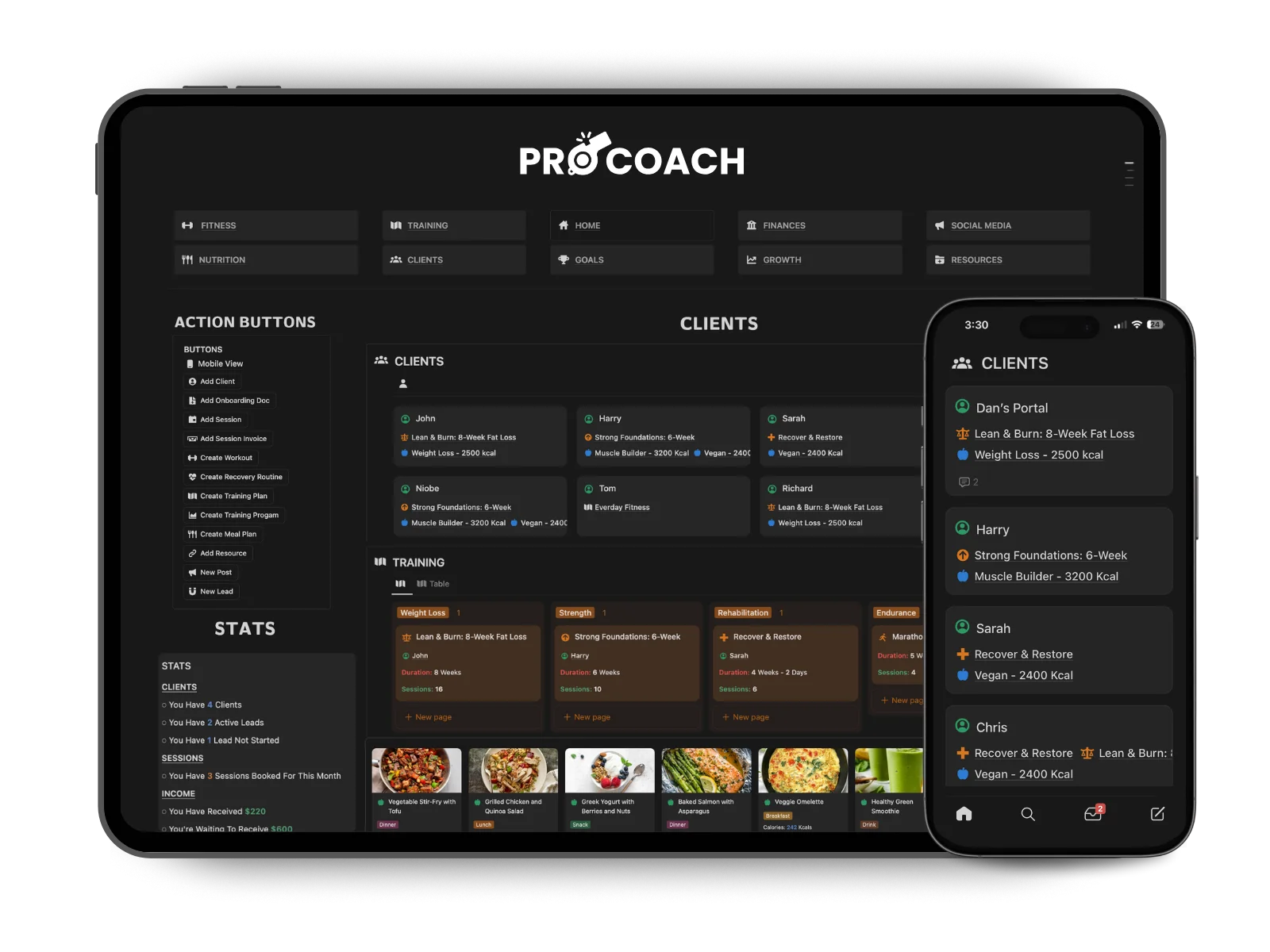
My Clients Love It
"I’ve been using pro coach for my clients and they love it. It really elevates the training experience and simplifies programming! I also appreciate your help with getting started and sharing the client profiles."

Machaela Simmons
United States


Do I need to build workout programs from scratch for every client?
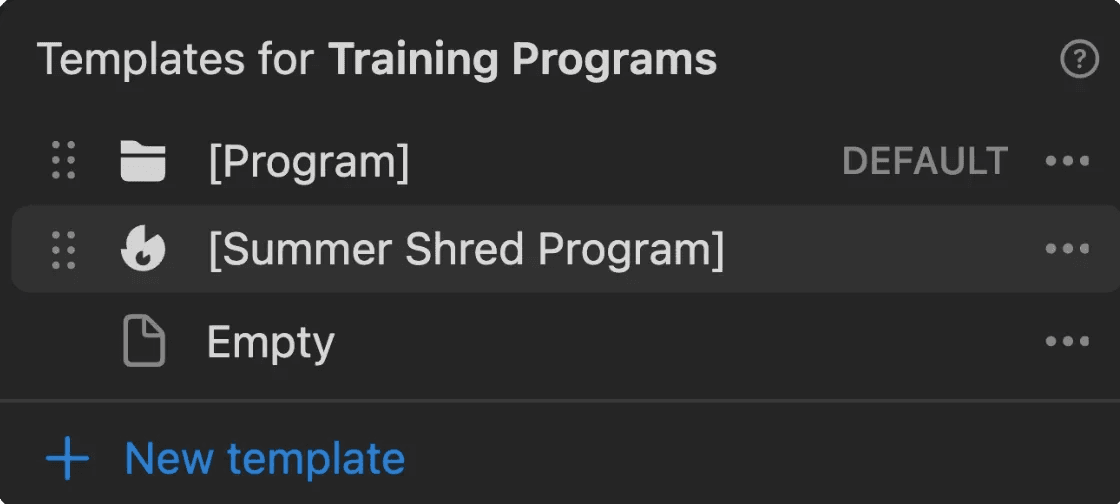
No. You build a template once — a strength program, a fat loss plan, a beginner full-body routine — and duplicate it for each new client. Then you personalise the details for their goals, equipment, and experience level. Your template library grows over time and becomes more refined the more clients you take on.
What types of workouts does PRO COACH support?
PRO COACH supports multiple different workout types: Regular, Superset, AMRAP, Timed, Interval, and customizable options, each with its own dedicated progress tracker and performance metrics that auto-calculate over time. This means whether your client is following a straight sets strength program, a circuit, or a conditioning session, the system tracks and measures their progress in a way that's actually relevant to how they're training.
Can clients access their training plan on their phone?
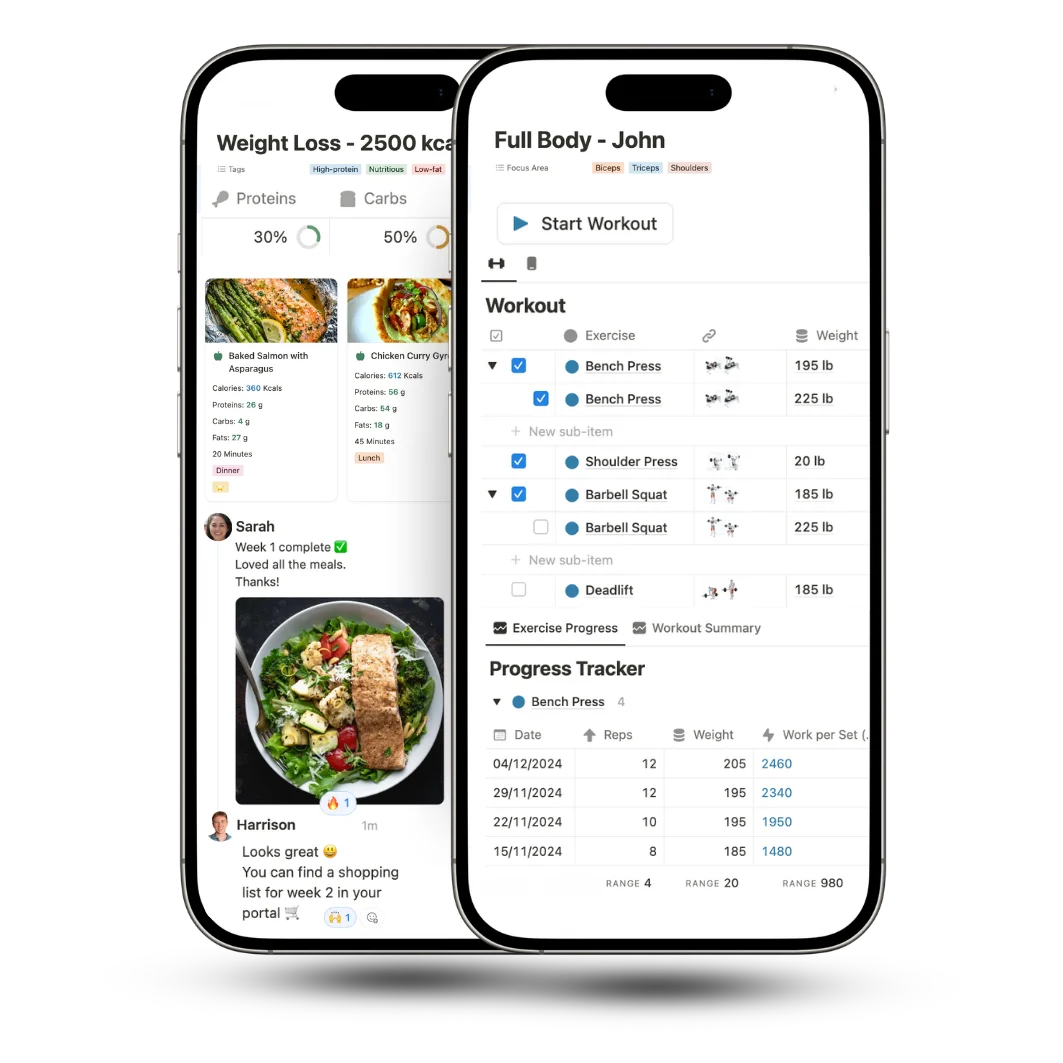
Yes. Plans are shared through the client's Notion portal and accessible on any device. There is also a dedicated mobile workout view you can switch to by tapping the dumbbell icon at the top of the workout table, which changes the layout to a more streamlined display suited for phone screens. Clients can also add a shortcut widget to their phone's home screen for quick access.
How many exercises are included in the library?
PRO COACH comes with a library of 200+ exercises and stretches already added. Each exercise can store notes, video links, equipment requirements, and coaching cues. You can add your own movements to the library at any time and the library can be set to public access so clients can see exercise details inside their workouts.
Can I build periodized training plans and track progressive overload?
Yes. You can structure programs into phases and build progressive overload across weeks or months. For tracking sets and reps at different weights, you can either use the sub-items feature to create a new row for each set or add repeating exercise rows and adjust the weights and reps individually. The session-by-session tracking system logs every workout so you can see exactly how a client is progressing over time.
How do I share a training plan with a client?
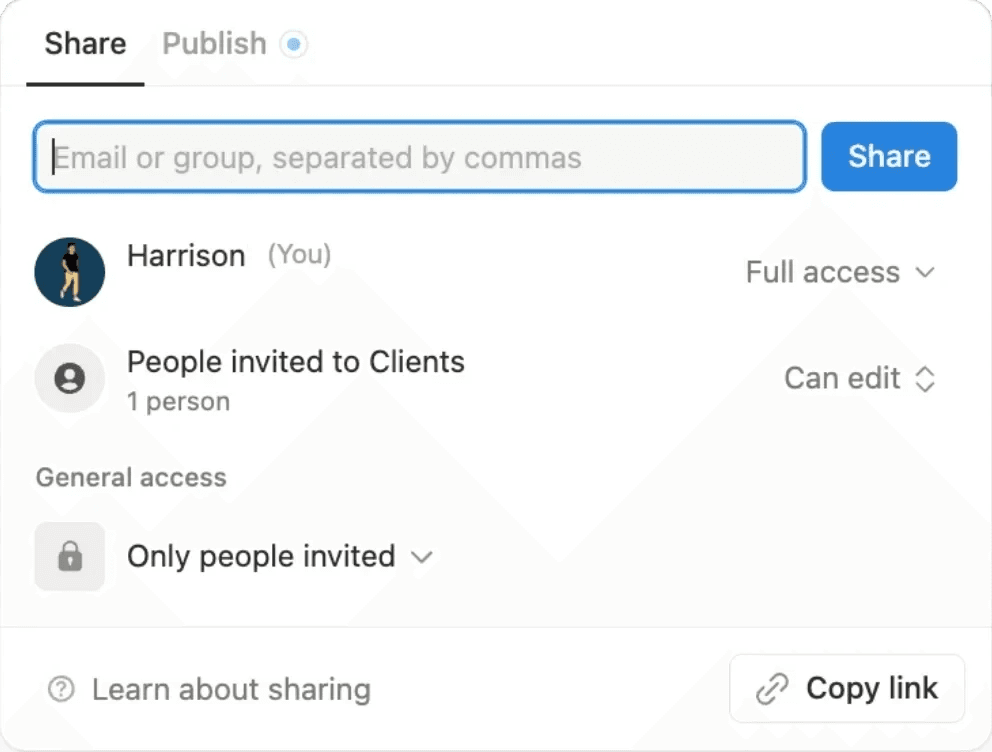
There are two ways. You can invite the client via their email directly from the share menu on the plan page, giving them either view-only or edit access. Or you can make the plan public and share the live link, which means they can view it without needing a Notion account. Before sharing, make sure the exercise and workout databases are set to public access so the client can see all the content inside the plan.
Can I assign the same training plan to multiple clients?
Yes. You build the plan once, duplicate it, and assign the copy to each client. Any changes you make to one client's plan don't affect the others so you can personalise freely without overwriting a shared template.
Is there a limit on how many training plans I can create?
No. Notion has no storage limit so you can build as many workouts, programs, and training plans as you need. Your template library grows with your business.