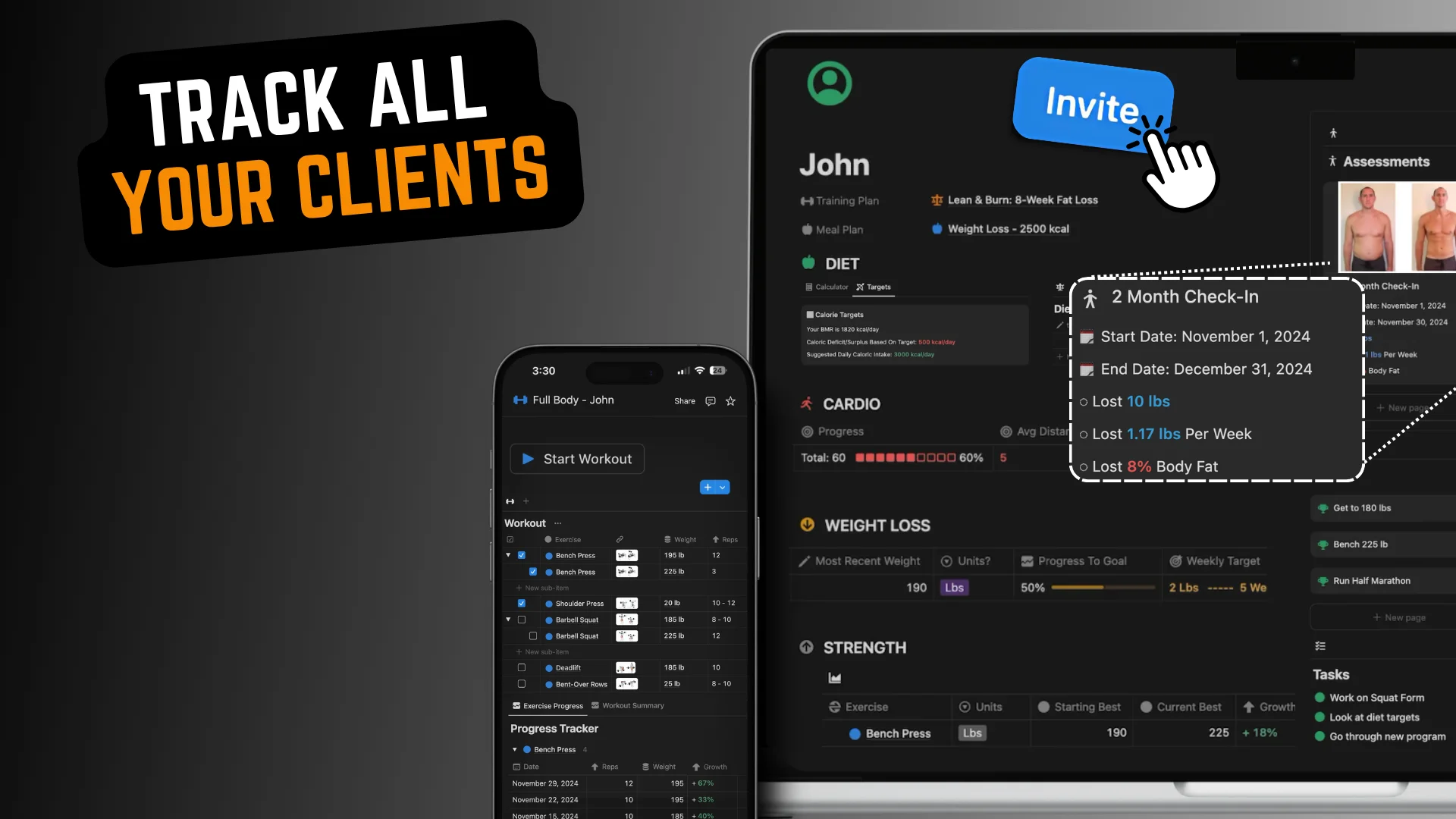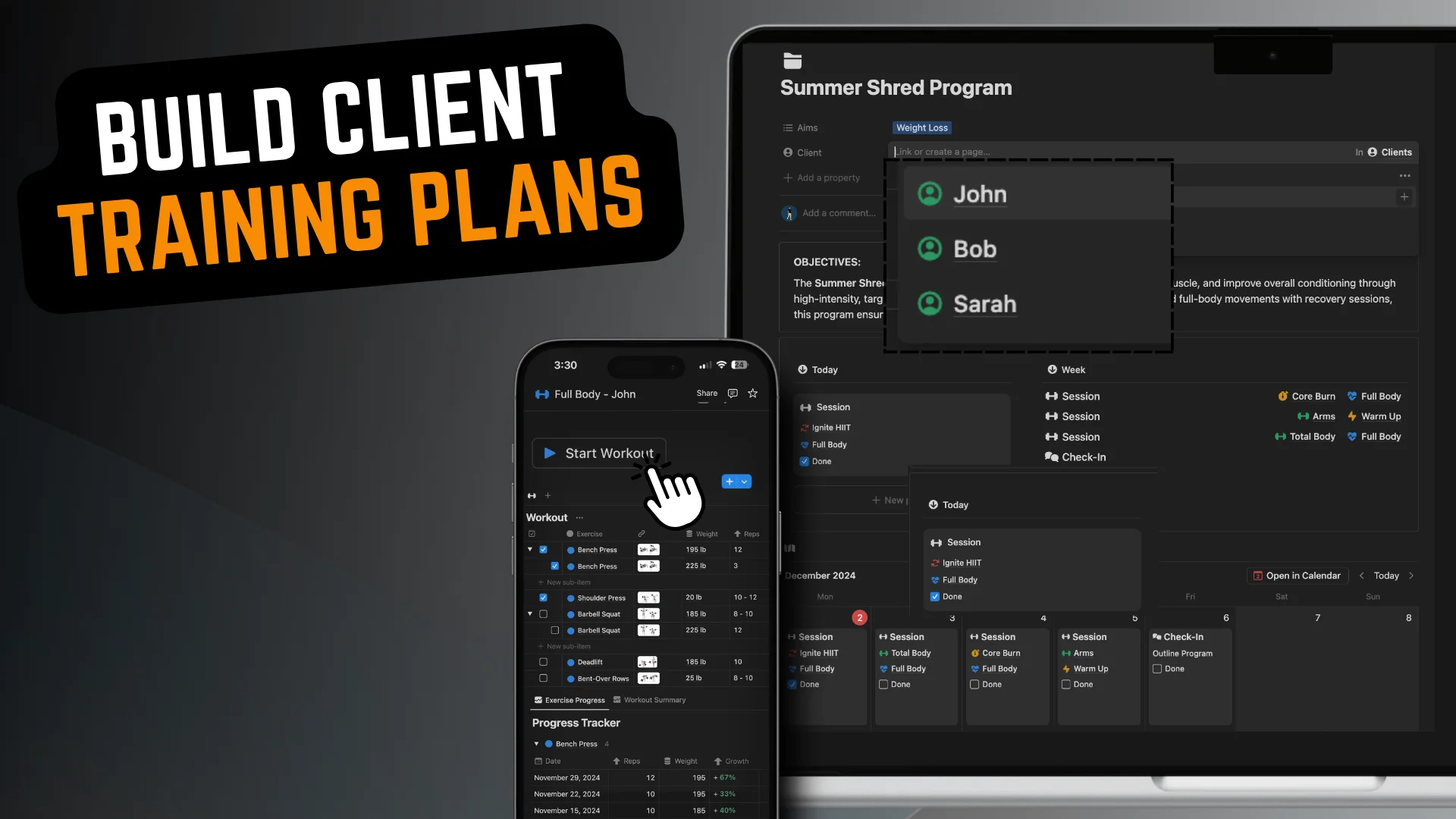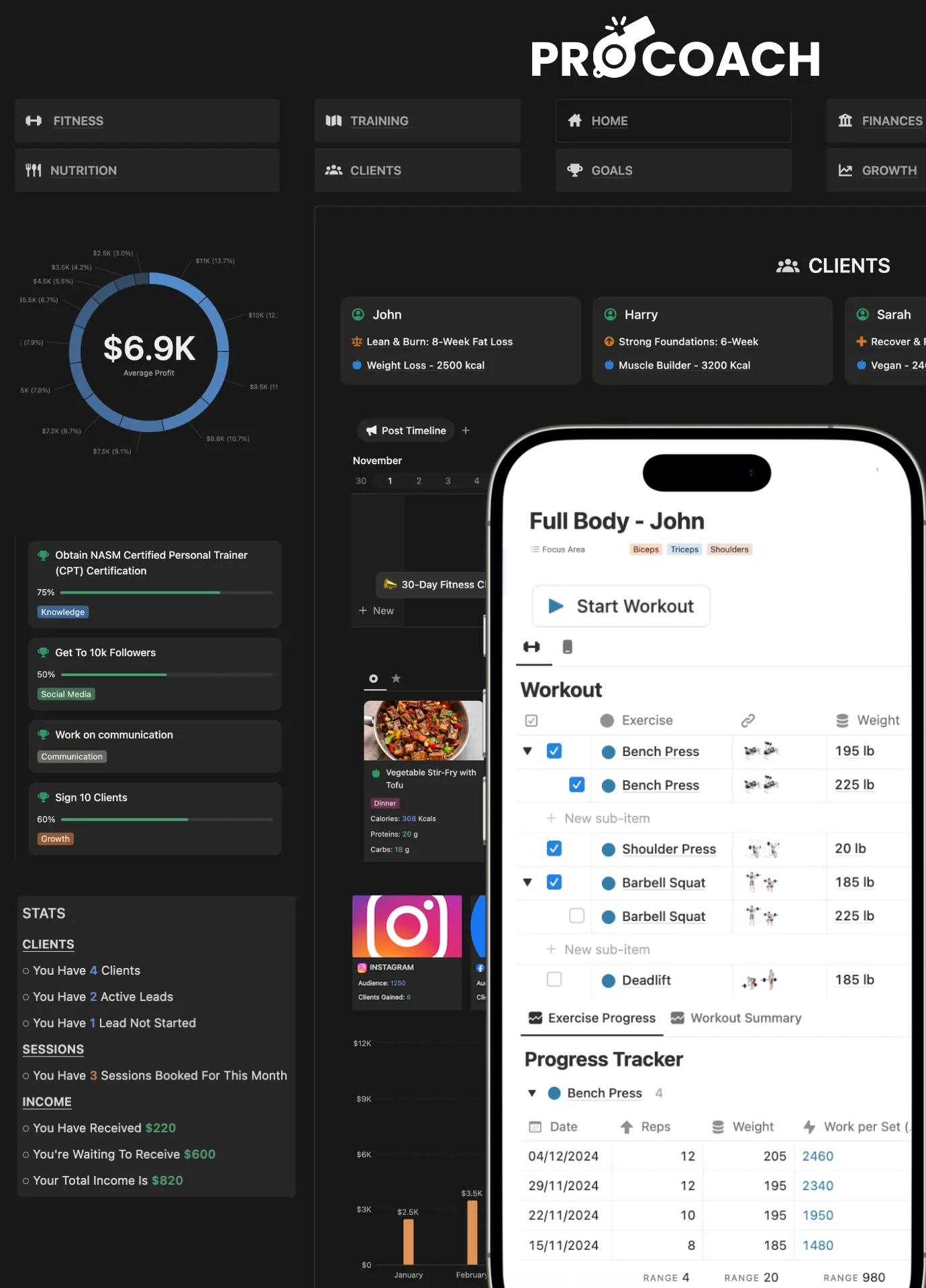


There are two real alternatives to spreadsheets for personal trainers. Notion replaces the spreadsheet with a connected client system for free, with no per-client fee. Coaching apps like Trainerize and TrueCoach add a native client app and automation, but cost $50 to $70 per month at 10 clients and lock you into their structure.
Most coaches and personal trainers start with Google or Excel spreadsheets when they begin coaching. It’s free, they’re probably already familiar, and it has some genuine benefits that can be great for coaching a few clients.
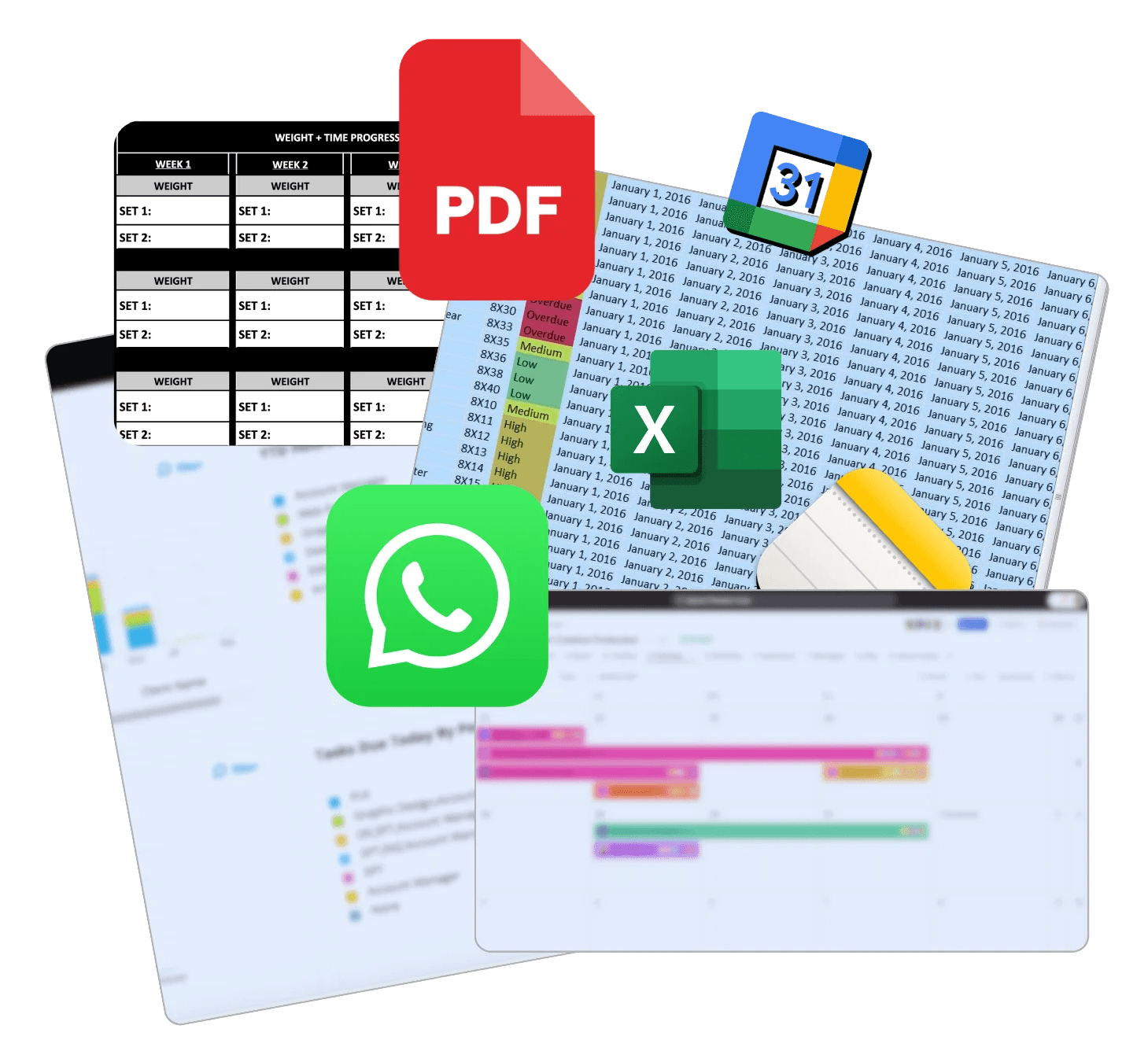
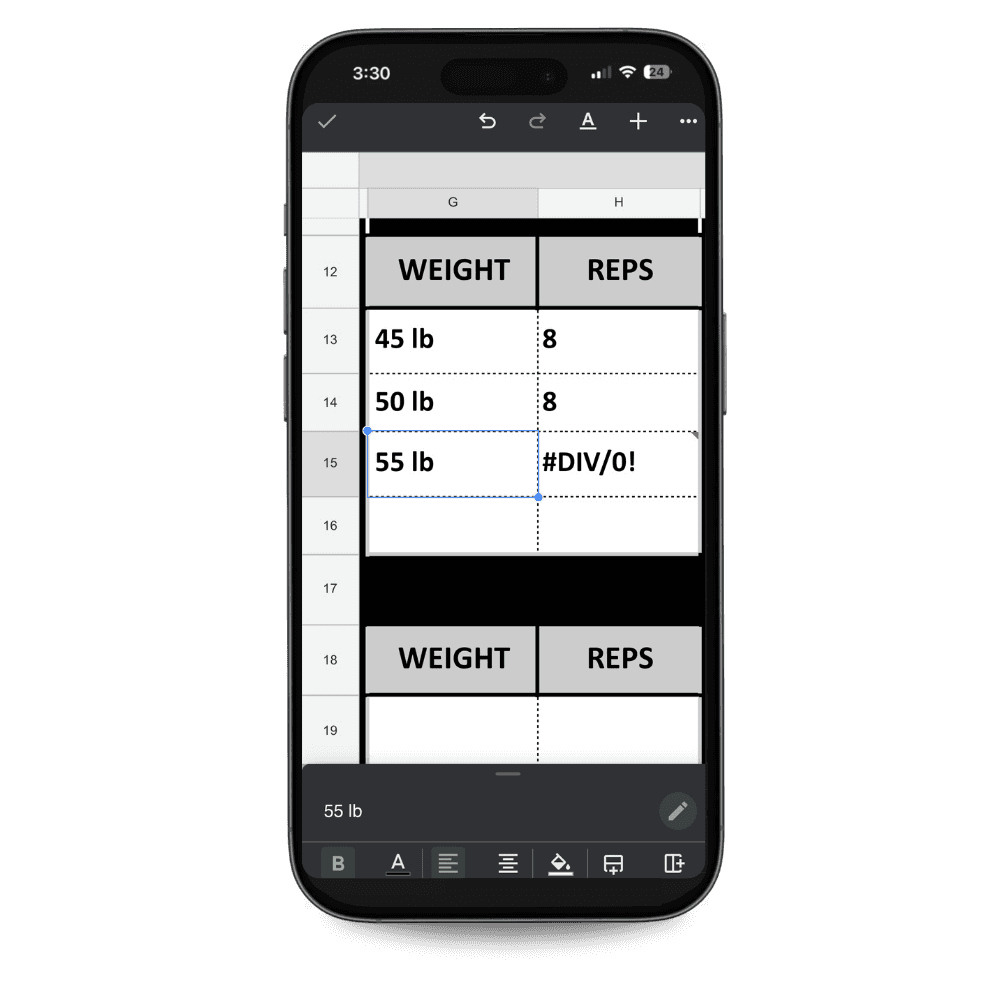
But as your coaching business grows, the cracks start to show. There are 3 main issues with using spreadsheets for client tracking.

The Scaling Issue
What works for a few clients turns into a messy system once you have more people, more sessions, and more notes.

Everything’s Separate
Running a coaching business is not just about storing numbers in rows and columns. When your leads, onboarding, check-ins, finances, etc, all connect, running and growing your business becomes much easier.

The Client Experience
A spreadsheet might help you stay organised behind the scenes, but it rarely feels like a professional coaching experience for the client.
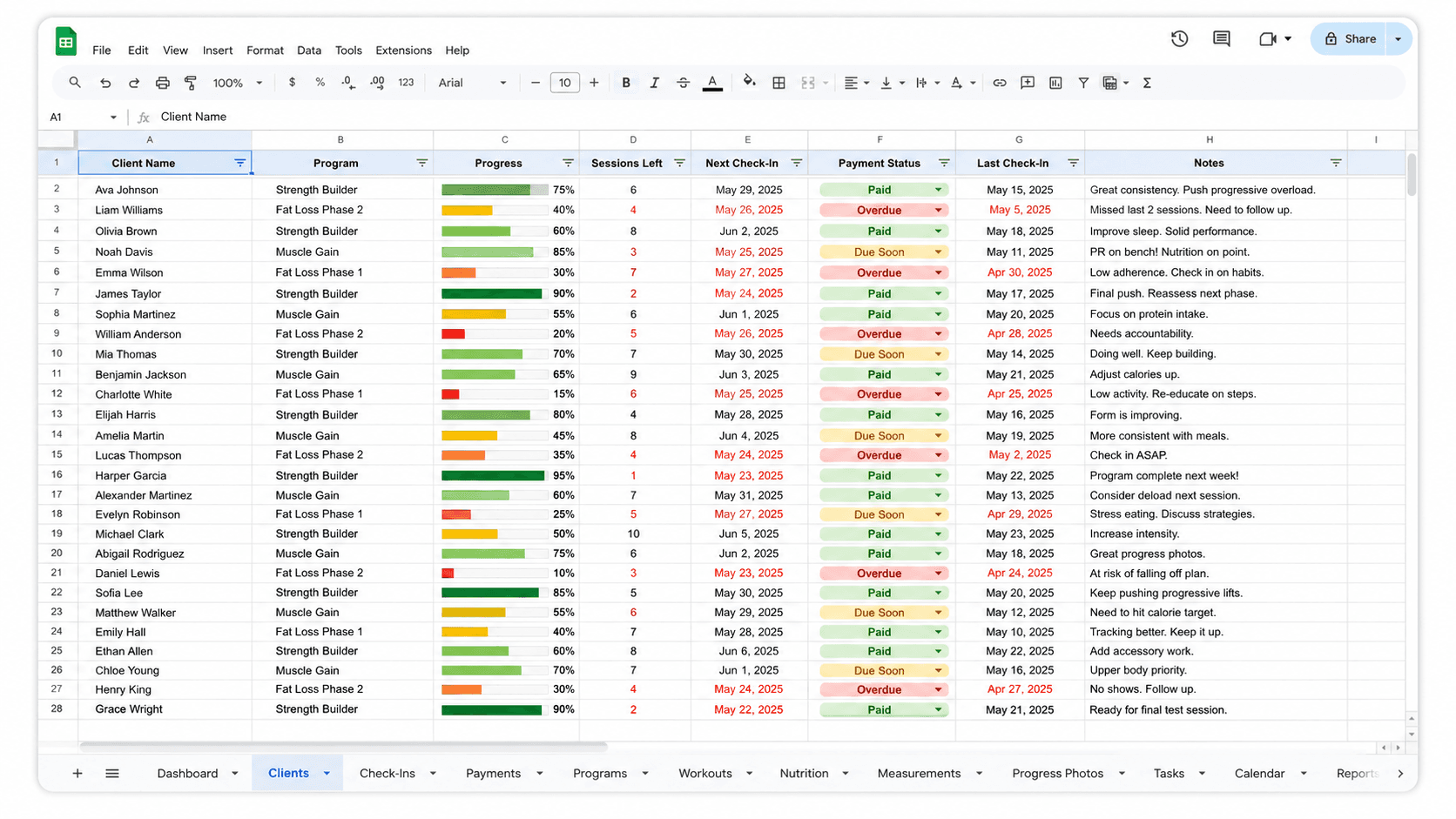
Once you outgrow coaching spreadsheets, there are three realistic paths most coaches go down: sticking with spreadsheets but trying to build a better version, moving to a dedicated personal training app, or building a system inside a free tool like Notion.
Each has genuine advantages depending on where you are in your business and what you value most. A coach just starting out has different needs than someone managing 10 clients and looking to scale. Below is an honest breakdown of all three options so you can decide what actually fits your situation.
Save on average $600 every year compared to coaching apps.



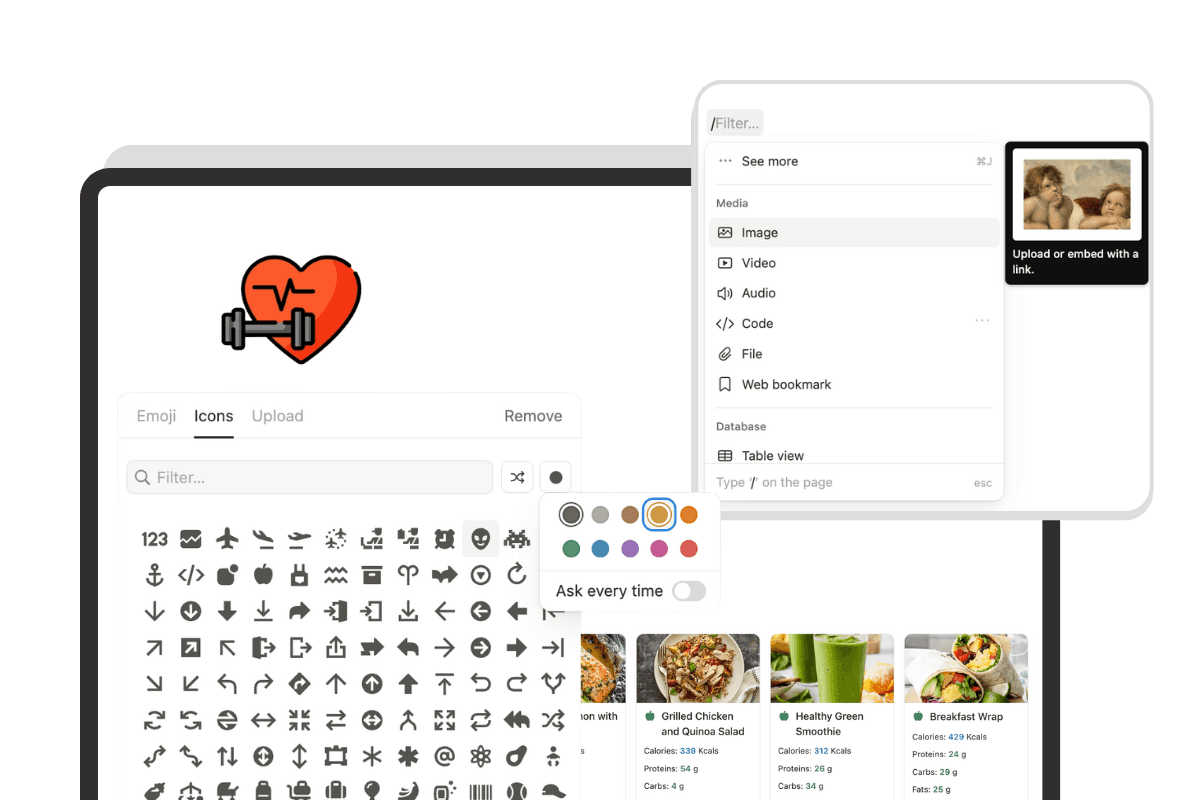
Customization: You can build the perfect setup for your brand and coaching style
No two coaches work the same way. Some focus purely on in-person strength training. Others run hybrid programmes with detailed nutrition tracking, check-in systems, and habit coaching. Most dedicated apps assume a one-size-fits-all structure and ask you to fit your coaching style around it.
Notion works the opposite way. You build the system to fit how you actually coach. Want to add a section to every client page that tracks sleep scores and stress levels? Done. Want to remove nutrition tracking because you do not offer diet coaching? Remove it.
Want to rename every section to match your brand language, add your logo, change the colour scheme, and restructure the layout entirely? All of it is possible without any technical knowledge.
For sports, mental health, martial arts, and other coaches, that flexibility and ability to customize allows you to track exactly what you need for that client and their journey.
This flexibility also extends to how you build and deliver plans. You can create a library of workouts, training programmes, and meal plans once and reuse them across any number of clients instantly. As your library grows, your ability to deliver faster and more personalised coaching grows with it.
For coaches who want to stand out from others sending generic app portals, Notion gives you the tools to create a client experience that genuinely reflects the quality of your service.
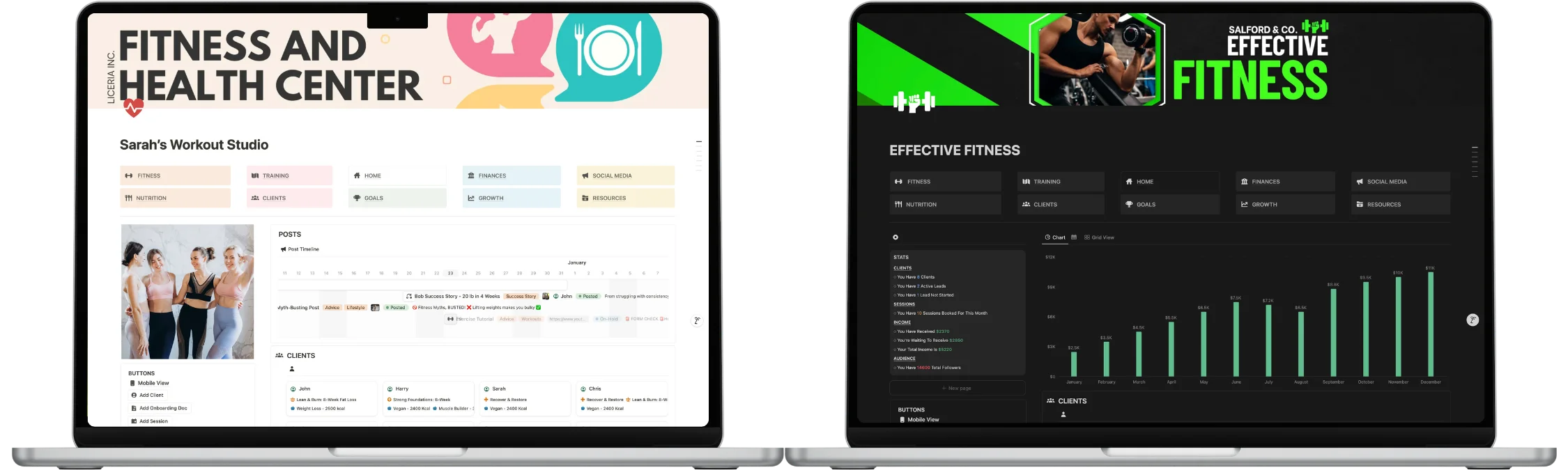
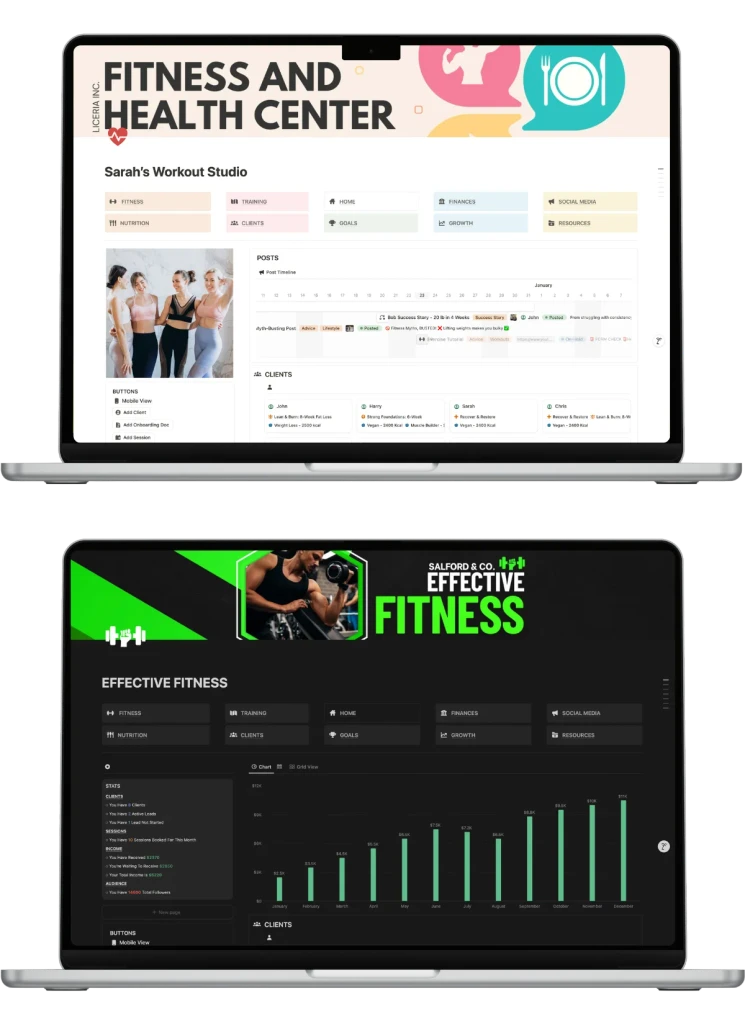
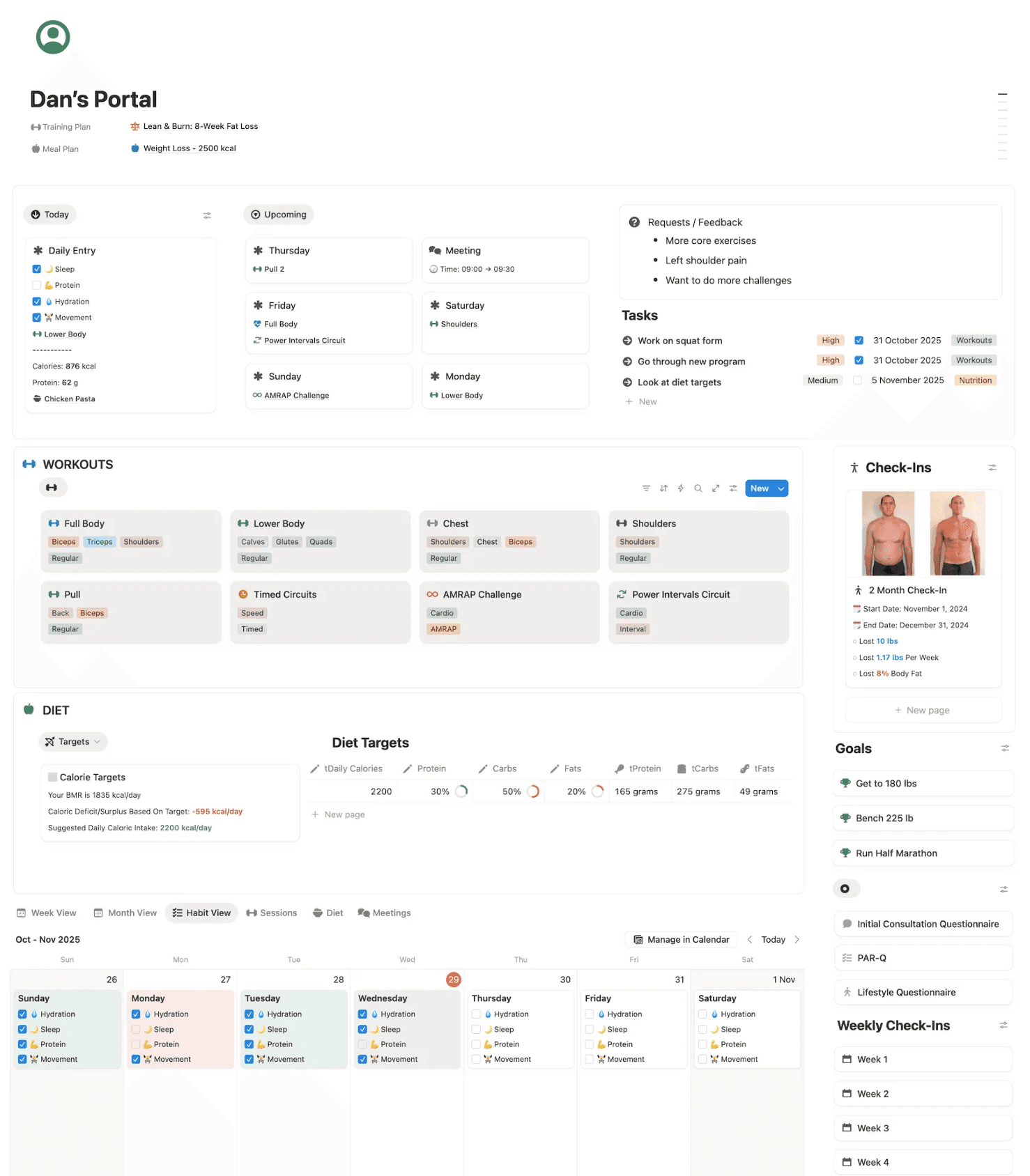
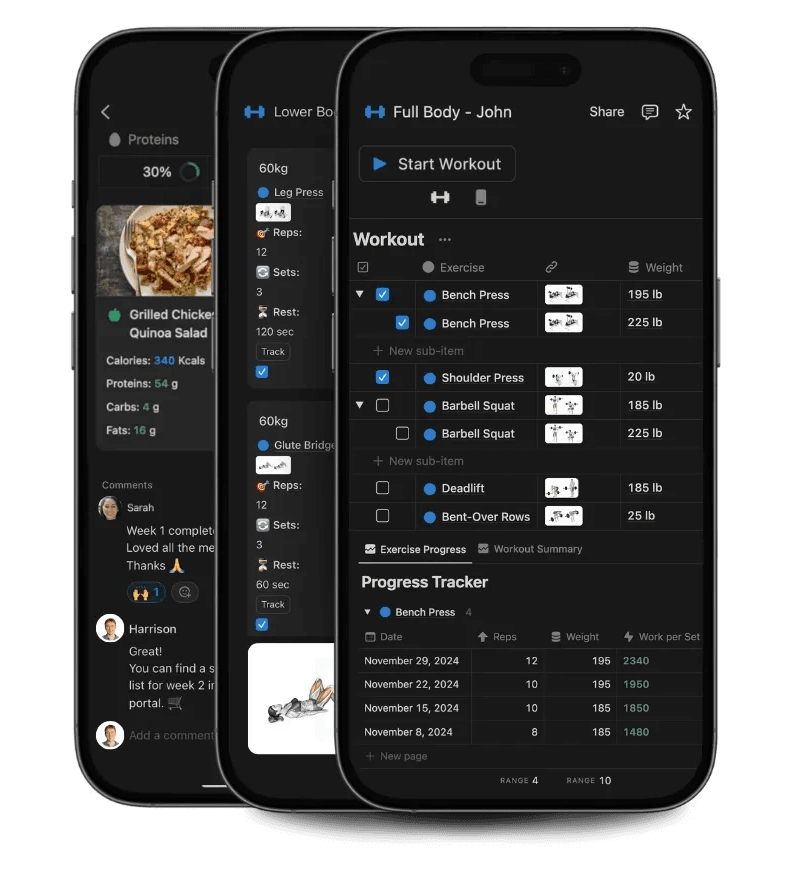
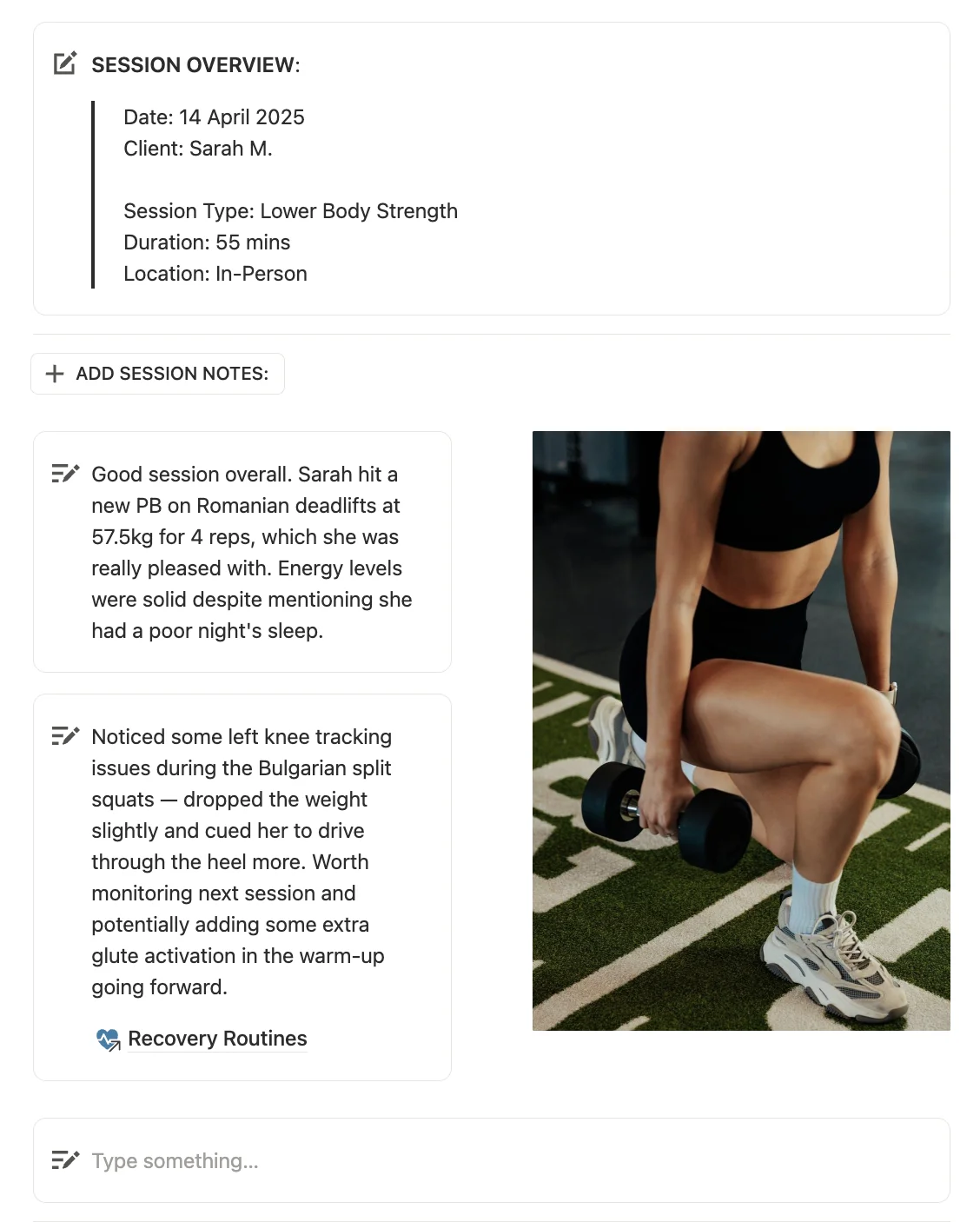
Notion also supports different content types, which makes it more flexible than a spreadsheet.
You can add:
Images
Videos
Embedded links
Checklists
Toggle sections
Tables
Calendars
Progress logs
Resource libraries
Documents
Forms or linked forms
Buttons
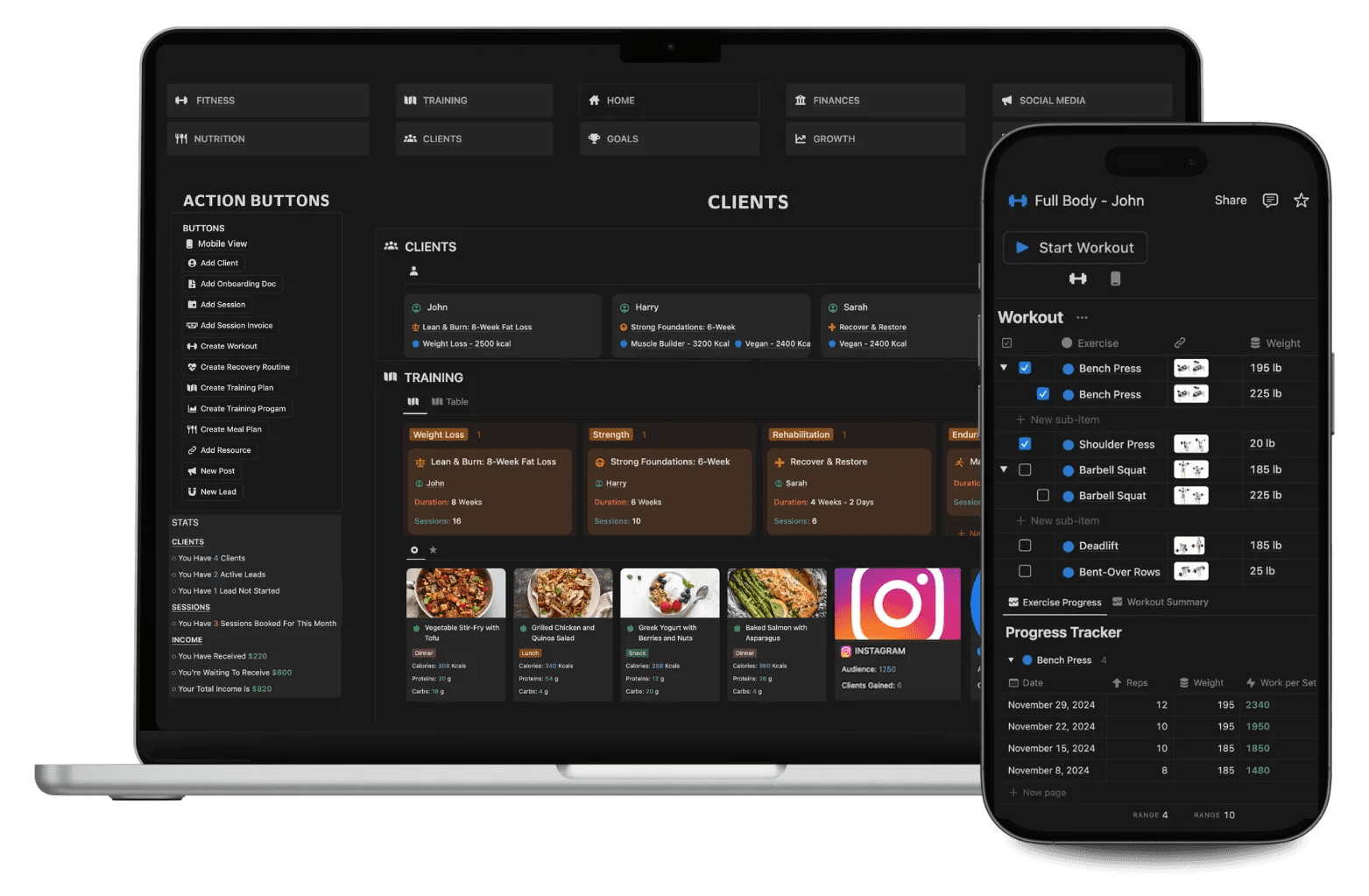
This makes it easier to turn your system into a proper coaching hub, not just a tracker.
For example, instead of sending a client a spreadsheet tab, a PDF, a Google Drive folder, and a separate video link, you can keep everything inside one organised client page.
That can make your service feel more premium, more organised, and easier to follow.
Click below for more details on client tracking inside Notion
With Notion you have complete control over how your coaching is shared and accessed by your clients.
The simplest option. Any page in Notion can be published and shared instantly via a link. You copy it and send it to your client, however you normally communicate, whether that is WhatsApp, email, or a DM. They click the link and the page opens in their browser immediately, no account required, no download, no friction.
This works well for sharing workout plans, meal plans, resources, or any content you want a client to view quickly without any setup on their end.
Inviting Clients As Guests
The more powerful option for ongoing coaching relationships. You can invite a client directly into their own portal or program as a guest. Once inside, they can complete their check-ins, log their progress, view their plans, and interact with their coaching content, all without being able to see, access, or edit anything else in your workspace.
You have full control over what each client can and cannot do. You choose which specific pages they are invited to, and you set their permission level, either view only if you want them to read and follow, or edit access if you want them to actively log in and contribute. Every other page in your workspace remains completely private. You can also easily change or remove access whenever you want.
The result is a coaching experience that feels personal and dedicated to that individual client, while your wider system stays organised and secure behind the scenes.
Everything covered so far makes a strong case for Notion. The reality is that building a coaching system from scratch is a serious undertaking.
To create something that genuinely replaces a dedicated app, with smooth client portals, connected databases, automated calculations, and a structured business hub, you need a working understanding of Notion formulas, relations, filtered views, and linked databases. For most coaches, that is weeks of learning and building time before you have seen a single client inside it.
That is where templates come in.
Templates can be downloaded instantly onto a free Notion account to transform a blank workspace into a complete coaching system






200+ movements
Business manager
Progress tracking
Fully customizable
Client portals
Diet & fitness coaching
More features
Bonus growth toolkit
Used by 1,700+ coaches
Email support
Is Notion really better than spreadsheets for personal trainers?
Yes. Notion gives you structure, better client pages, and a system where clients, plans, check-ins, and business data can all live together. Spreadsheets may work for very small rosters, but they become messy, error-prone and less professional as you grow.
Do I need to pay for Notion to use it for coaching?
No. The free plan is enough to run a full coaching business, including unlimited pages, databases, sharing, and collaboration. You only need to pay if you want extra features like AI, charts, or advanced controls.
Will my clients need to pay for Notion?
No. Your clients can view and interact with shared Notion pages for free. They do not need a paid account to use your client portal, track plans, or submit check-ins.
Can I still use spreadsheets alongside Notion?
Yes. Many coaches start with a hybrid approach, using Notion for their main system and keeping a simple spreadsheet for things like tax or high-level income tracking. Over time, most move more of their business into Notion. You can even embed your spreadsheet pages inside Notion.
What if I am not tech-savvy?
You do not need to be technical to use Notion. If you can click links, open pages, and type, you can use a template. If you build a system from scratch, you will need to learn databases, formulas, and relations. That is why templates like PRO COACH are designed to remove the learning curve.
Is PRO COACH better than a dedicated coaching app?
It depends on your priorities. Coaching apps are built for fitness and often include features like in-app messaging, payment collection, and wearable integrations. PRO COACH is more flexible, more affordable, and fully customisable, so you can build a system that fits your brand and coaching style without monthly fees. We’ve had many coaches switch from apps like Trainerize who have never looked back.
Can I use this for online coaching, in-person training, or both?
Yes. PRO COACH is used by in-person, online, and hybrid coaches. The system is built to handle different coaching models, whether you are training clients in a gym, delivering remote programmes, or doing a mix of both.
What happens if my business grows?
Notion and PRO COACH are built to scale with you. You can add more clients, more plans, more leads, and more business data without your system becoming slower or more expensive. The cost stays the same even as your roster grows.
About me
My name is Harrison. I have been building inside Notion for over five years and am recognised in the top 0.1% of recommended Notion creators globally. Across all my templates, I have had over 60,000 downloads from coaches, trainers, and creators who wanted a better system without the hours of setup. My main focus has always been the same: build a Notion system that fully replaces both spreadsheets and expensive coaching apps, without requiring any technical knowledge to use. I have two options depending on where you are right now.