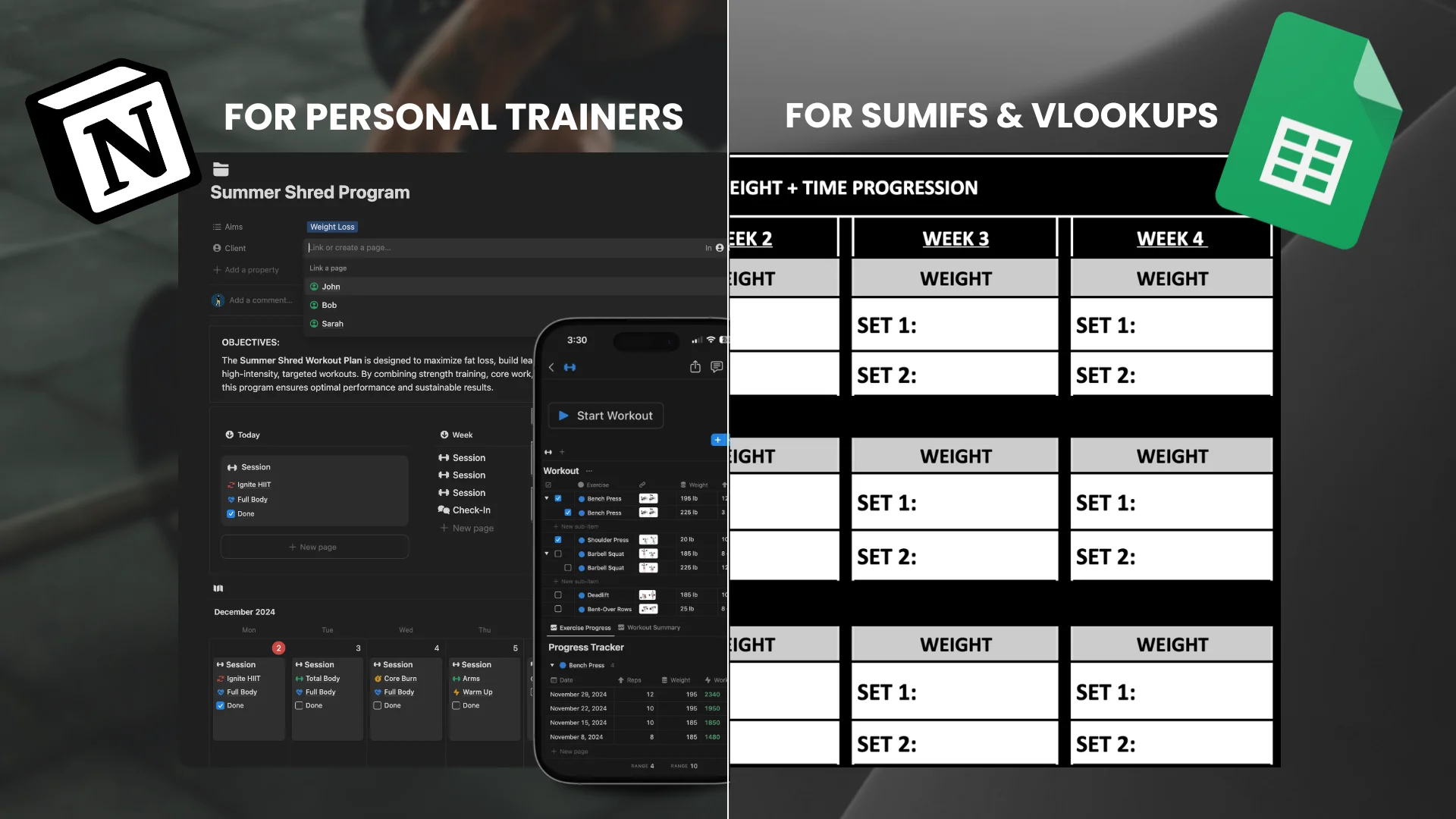
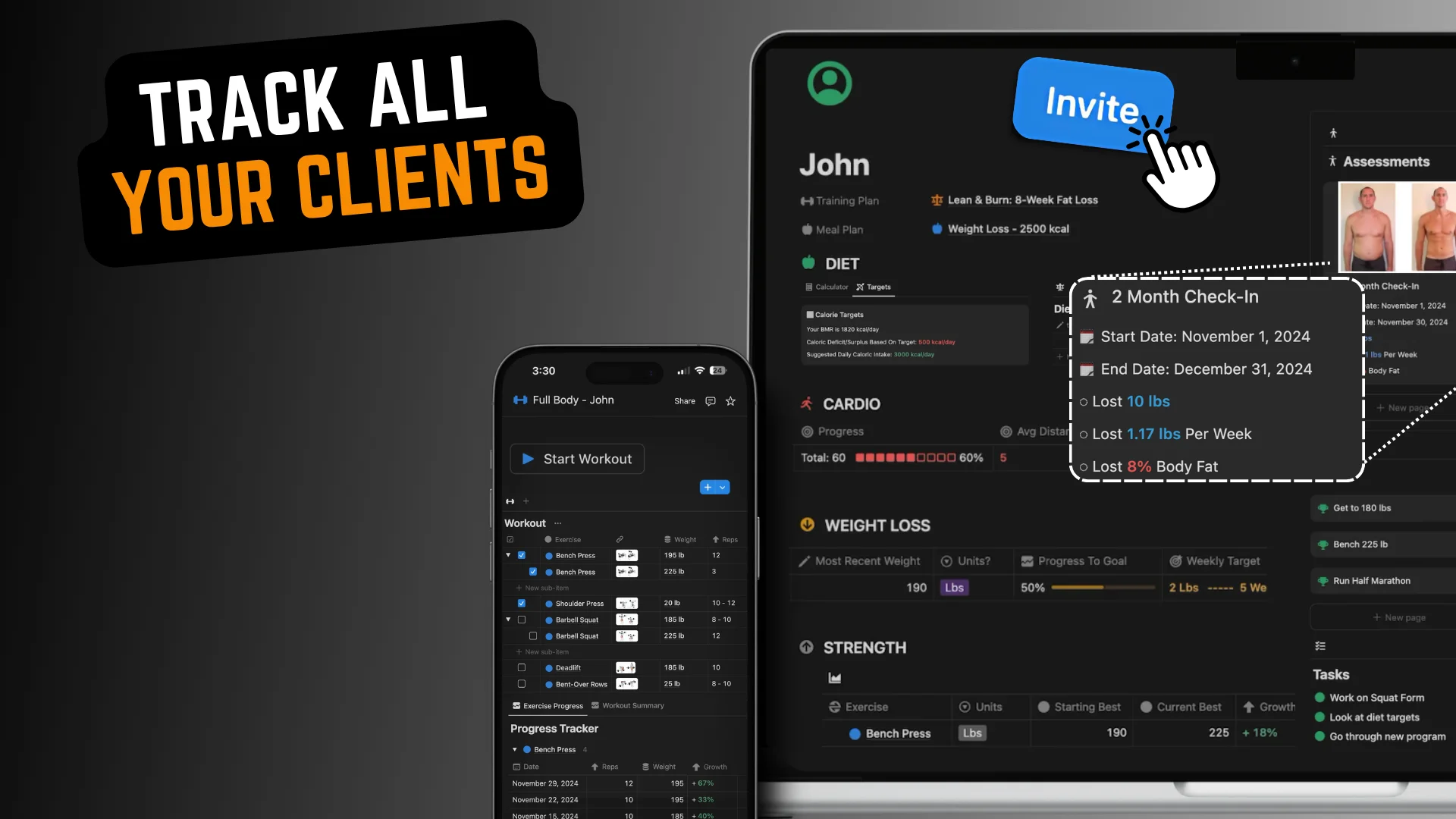
Stop rebuilding the same messy spreadsheet for every client. Plan, organize, & share professional client training programs from one Notion template. Free, yours to keep.
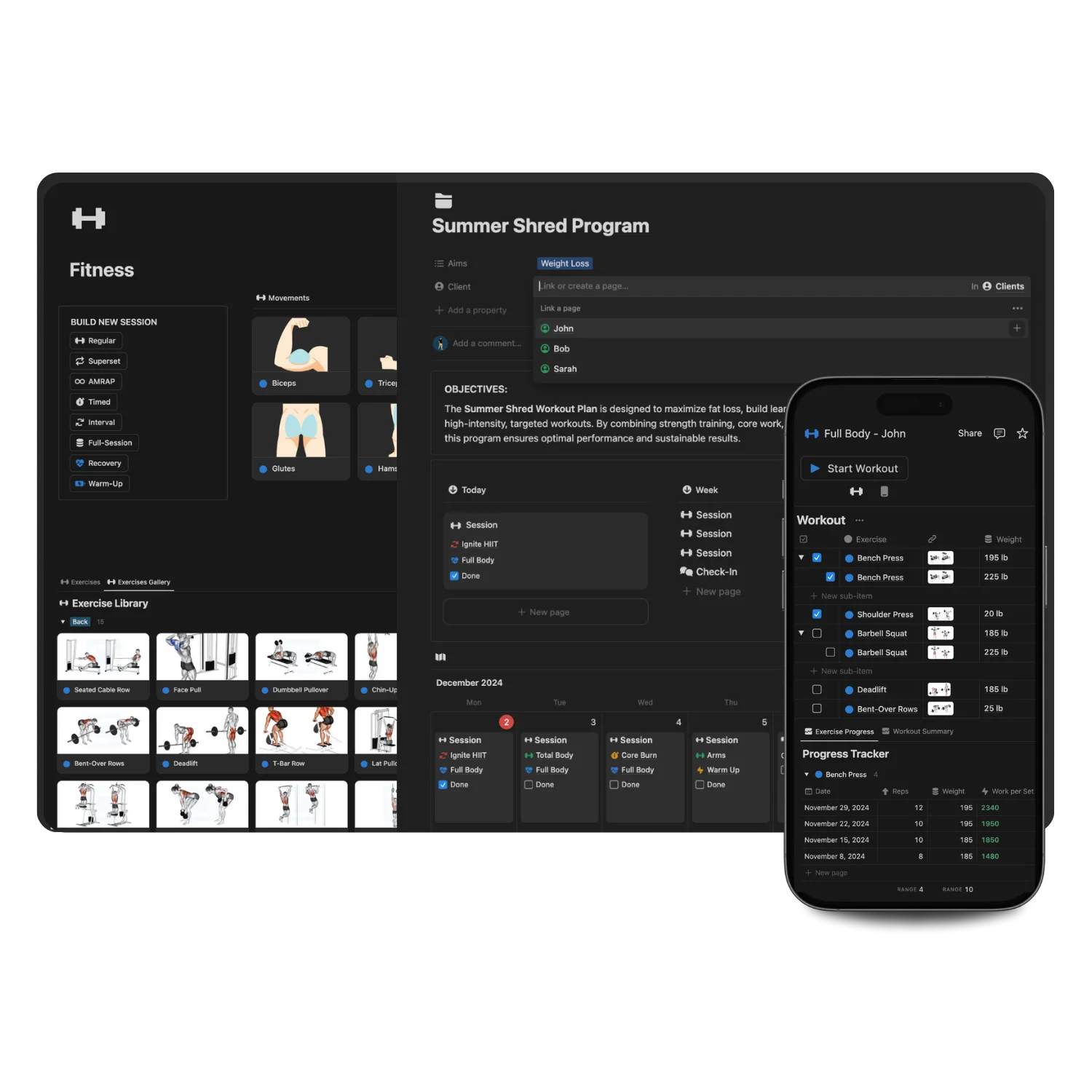
If you're a personal trainer still building client programs in a spreadsheet, this page will save you hours every week. This free workout plan template is a complete client training plan builder: add your exercises, build workouts, group them into full training plans, and share them with clients from one clean setup. No subscription, no trial that expires, no credit card. Download it once and it's yours for life.
It works for in-person trainers, online coaches, and hybrid setups, whether you're programming strength, fat loss, conditioning, or general fitness. If you've been searching for a free spreadsheet for personal trainers or a tool to build client workouts, this does everything a spreadsheet does and fixes everything a spreadsheet gets wrong.
Think of it as a free workout planner that handles the admin for you. Instead of opening a blank spreadsheet every time a client signs up, you build your exercises and workouts once, then snap them together into a full training plan in minutes. It is a free tool for creating client workouts and plans end-to-end: write the program, assign it, share it, done. No app to pay for, no learning curve, no rebuilding from scratch every week.
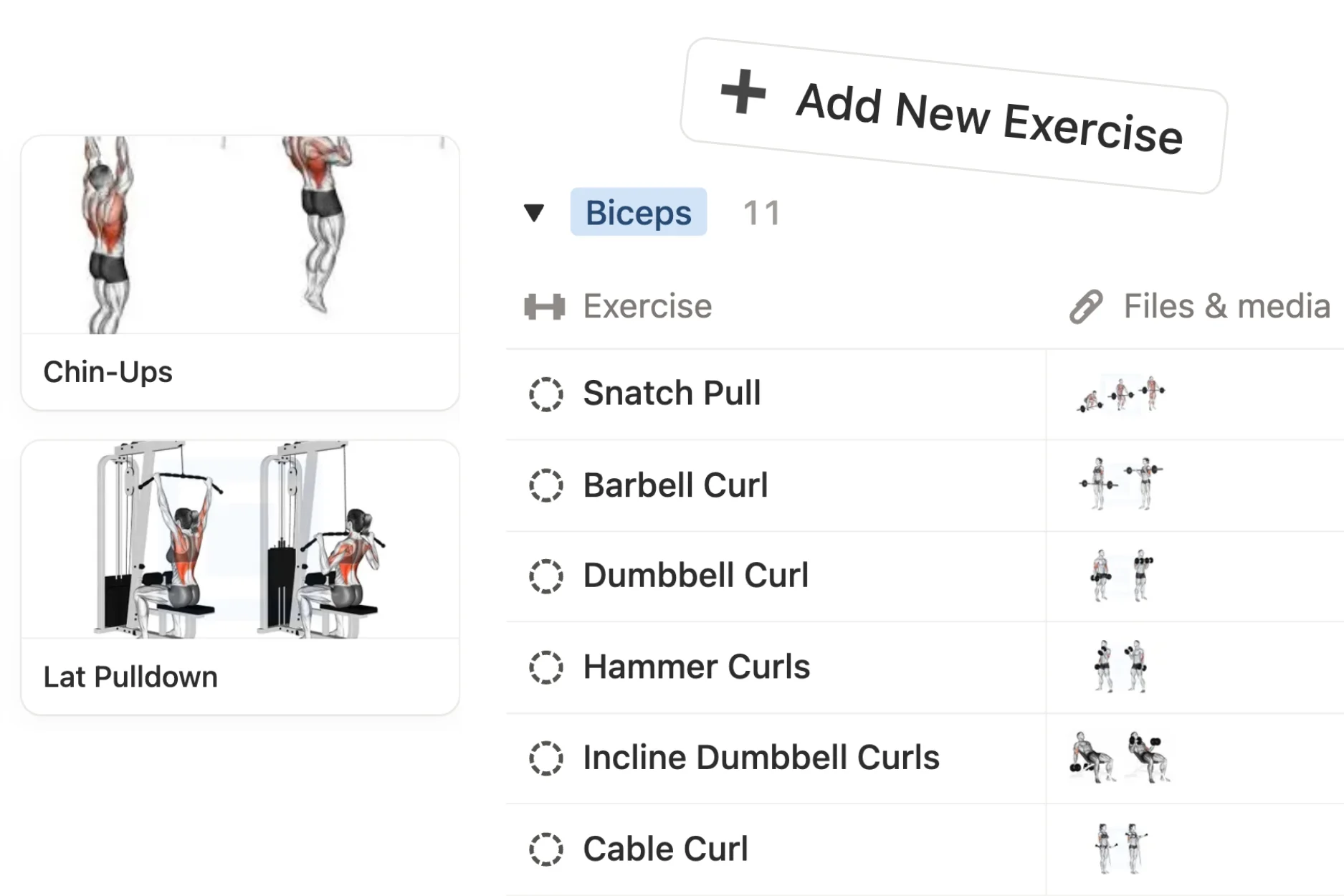
Add movements
Unlimited!
Build your own exercise library with sets, reps, rest periods, and coaching notes, so you never retype the same movement twice.
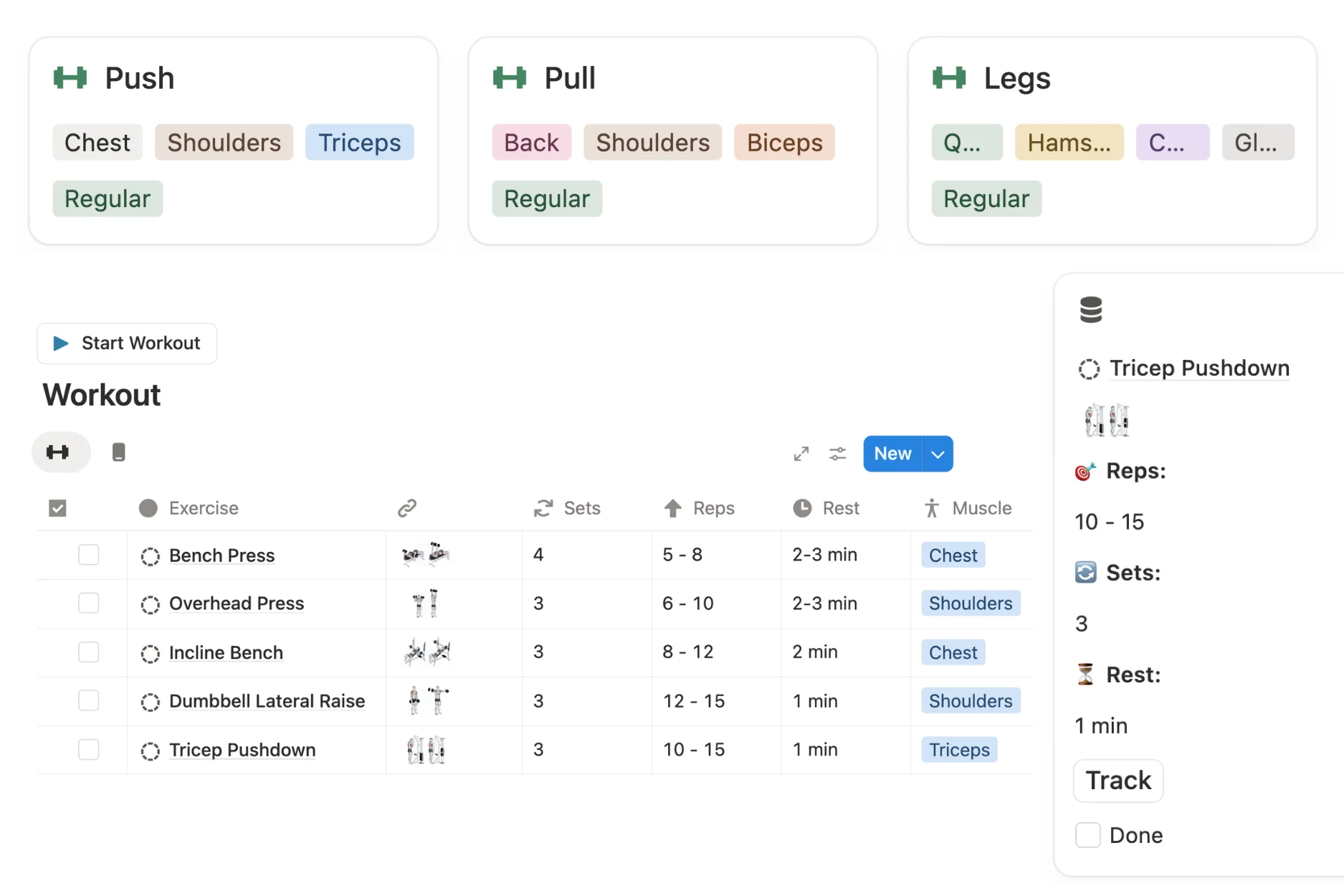
Build client workouts
Unlimited!
Combine your movements into complete sessions. Strength days, conditioning circuits, full-body workouts, whatever you program.
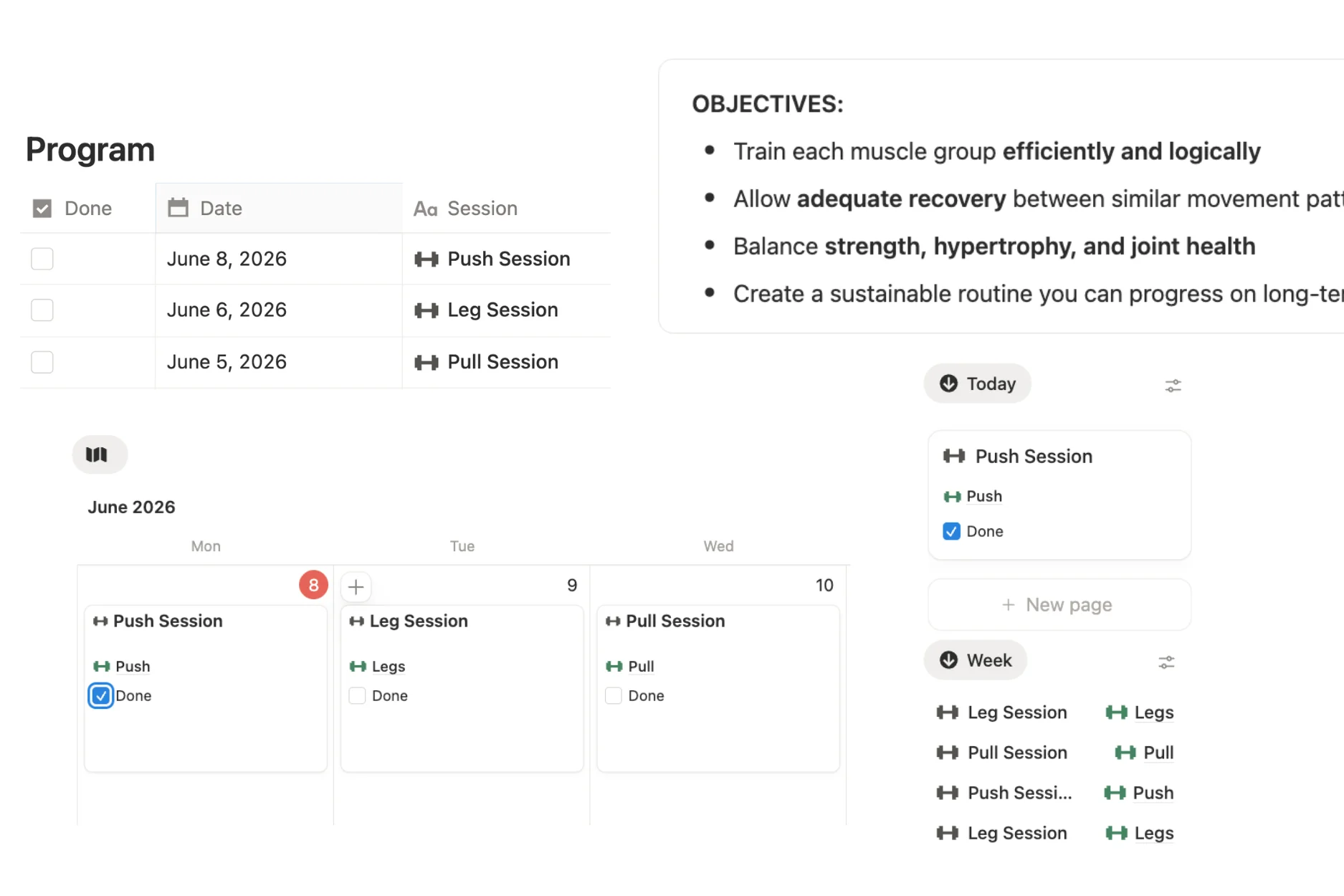
Build client plans
Unlimited!
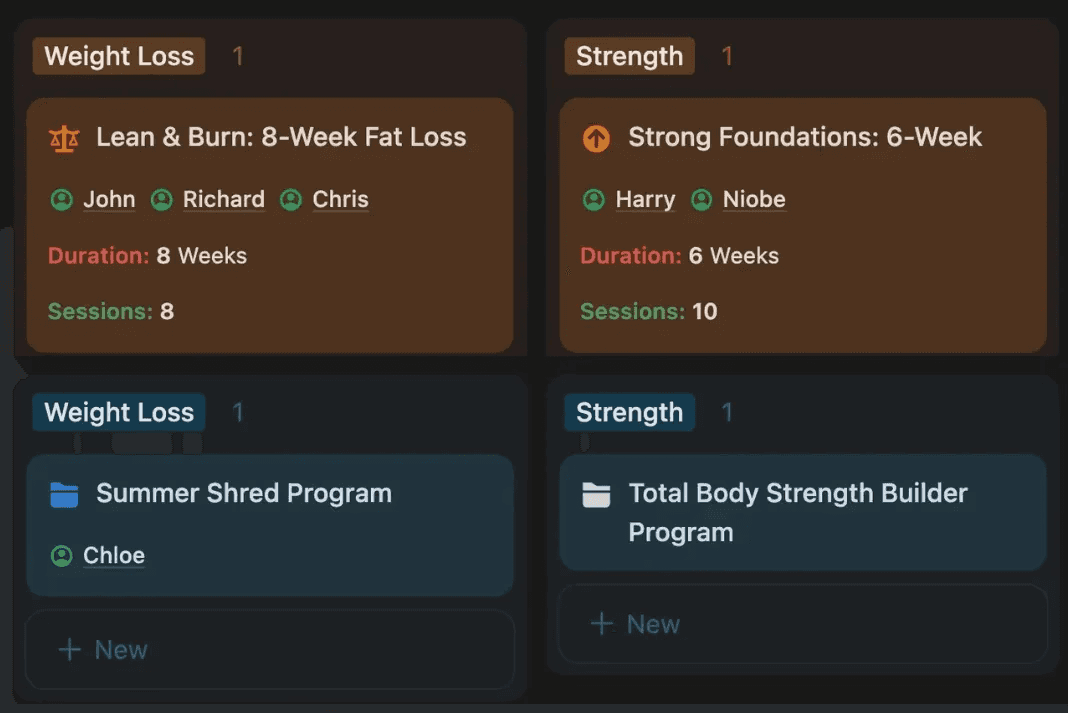
Group & schedule workouts into full client training plans: a 4-week block, an 8-week program, or a long-term progression.
Most planning options make you choose: a rigid app that locks you into its way of working, or a blank spreadsheet you have to build and maintain yourself. This free workout planner sits in between. You get a ready-made structure for programming clients, and you stay free to customise every part of it.
Everything lives in one place: your exercise library, your workouts, your client training plans, and the link you send each client. When you take on someone new, you are not starting a fresh file. You duplicate a plan that already works, adjust it for their goals, and assign it. The more clients you run through it, the faster building each new program gets.
That is the difference between a static template and an actual planner. A template is a document you fill in once. This is a tool you run your programming through, so writing and sharing client plans stops being the part of the week you dread.


1. Download
your new setup into a free Notion account on mobile or desktop



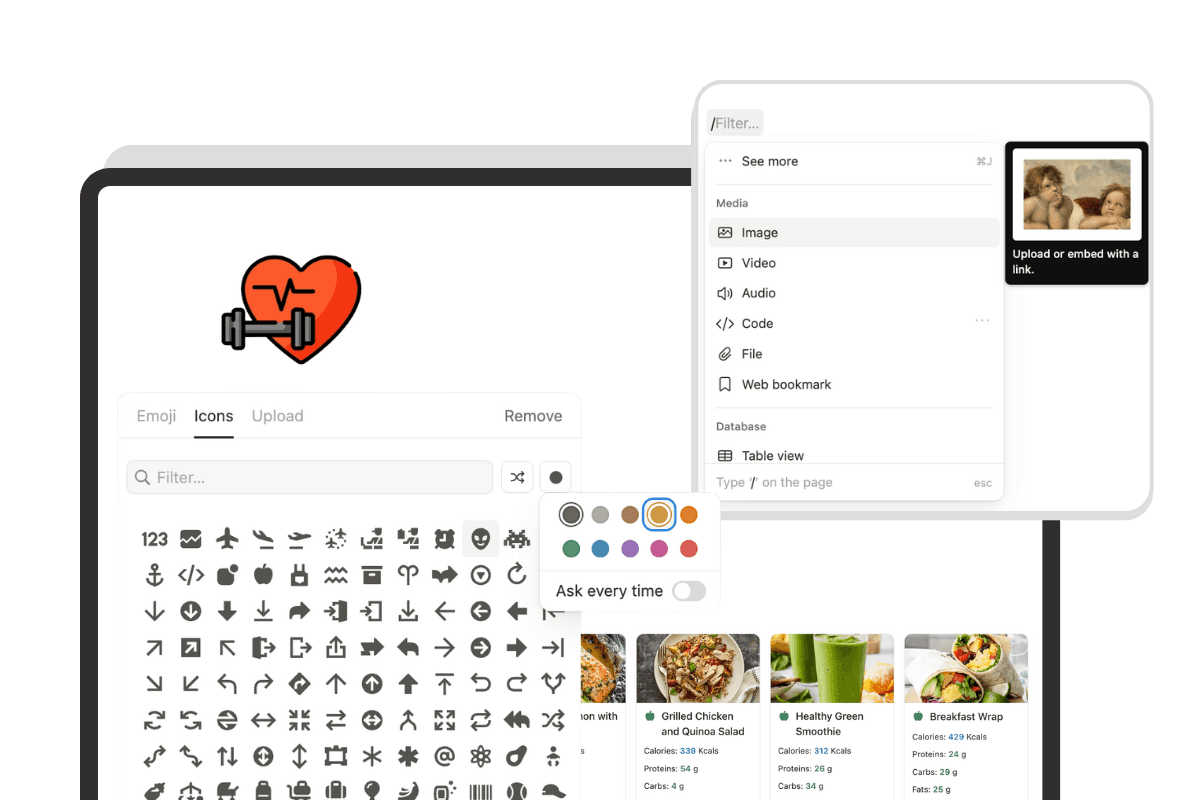
Comparison
Most personal trainers start out building client plans in Google Sheets or Excel. It works until it doesn't. Formulas break, formatting falls apart on a phone, and every shared file becomes another version to keep track of. This setup gives you everything a workout spreadsheet does, plus the things a spreadsheet will never do, and it still requires no subscription
SPREADSHEETS
Manual scheduling
Clunky on mobile
Manual progress entry
No integrations
No real calendar
Basic file links
No real support
Limited customization


V/S

+ PRO COACH
Automated scheduling
Sleek mobile app
Tracked automatically
Multiple integrations supported
Built-in calendar
Embed any file or media
AI & human support
Fully customizable
Upgrade to a Notion setup today to run your coaching business, and unlock lifetime access, no limits, and full customization!








Is this workout plan template really free?
Yes. Download it, duplicate it into a free Notion account, and it's yours for life. No trial, no card, no catch. There's a paid upgrade called PRO COACH if you ever want to run your whole coaching business in one system, but the free template is complete on its own.
Is this better than a workout spreadsheet for personal trainers?
For client programming, yes. A spreadsheet makes you do everything manually: formatting, progress entry, version control. This template gives you a reusable structure, an exercise library, and plans that actually look good on a client's phone. And like a spreadsheet, it's free and fully customizable.
Can I build training plans for multiple clients?
Yes. Build a plan once, duplicate it, and personalize the copy for each client. Changes to one client's plan never affect another's, so you can reuse your best programs without overwriting anything.
What should a client workout plan include?
A complete plan covers the exercises, sets, reps, rest periods, and any coaching notes the client needs to follow the session on their own. Good plans also map progression, so the client knows how the program builds week to week. The template includes a place for all of it.
Can I use this for online coaching clients?
Yes. Plans are shared with an invite or link, so online clients open their program on any device. No PDFs, no email attachments, no resending files.
Do my clients need to pay for anything?
No. Clients complete their plan with a free account, or through a public link with no account at all.
Do I need to build workout programs from scratch for every client?
No. You build a template once — a strength program, a fat loss plan, a beginner full-body routine — and duplicate it for each new client. Then you personalise the details for their goals, equipment, and experience level. Your template library grows over time and becomes more refined the more clients you take on.
What types of workouts does PRO COACH support?
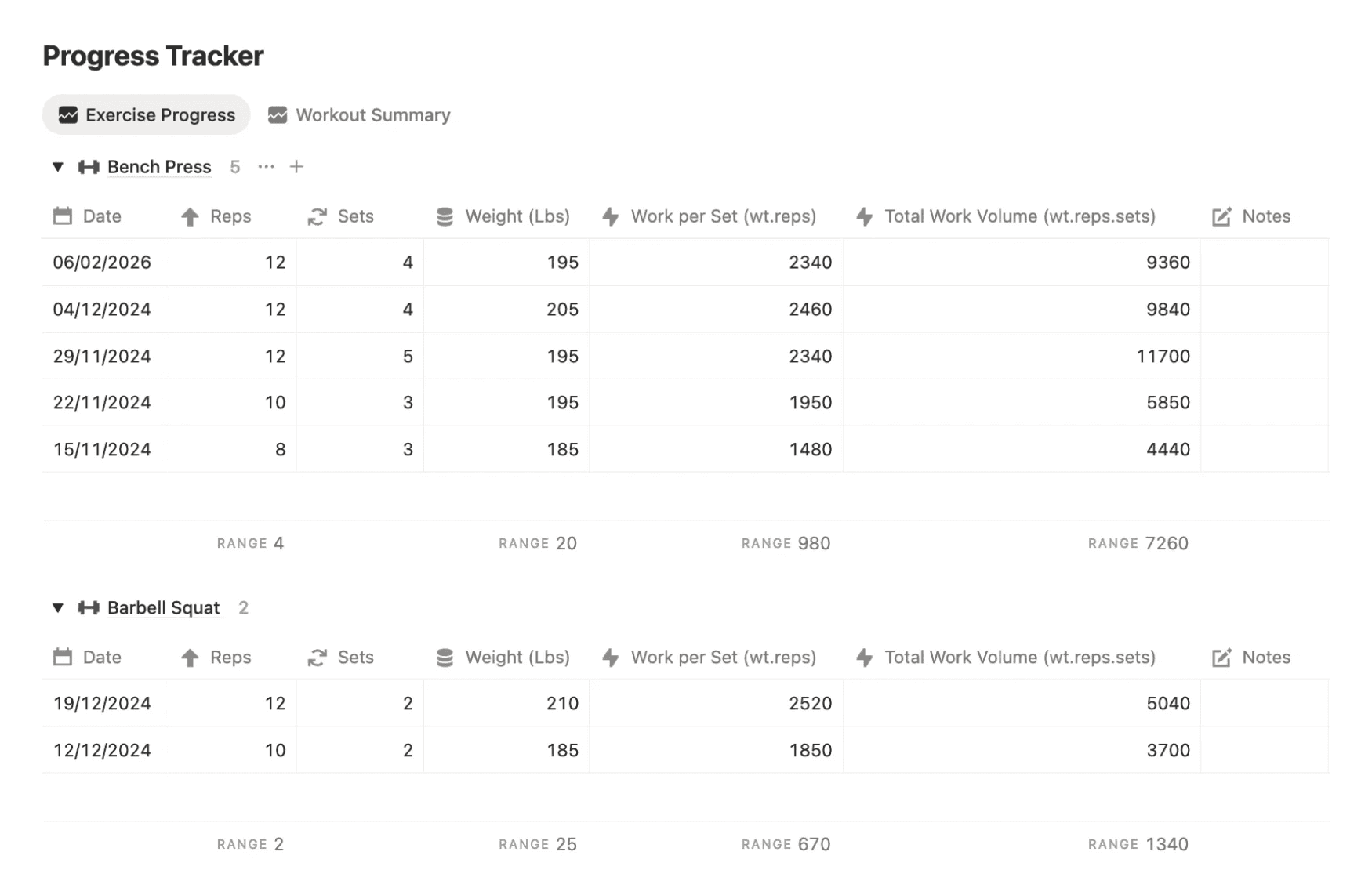
PRO COACH supports multiple different workout types: Regular, Superset, AMRAP, Timed, Interval, and customizable options, each with its own dedicated progress tracker and performance metrics that auto-calculate over time. This means whether your client is following a straight sets strength program, a circuit, or a conditioning session, the system tracks and measures their progress in a way that's actually relevant to how they're training.
Can clients access their training plan on their phone?
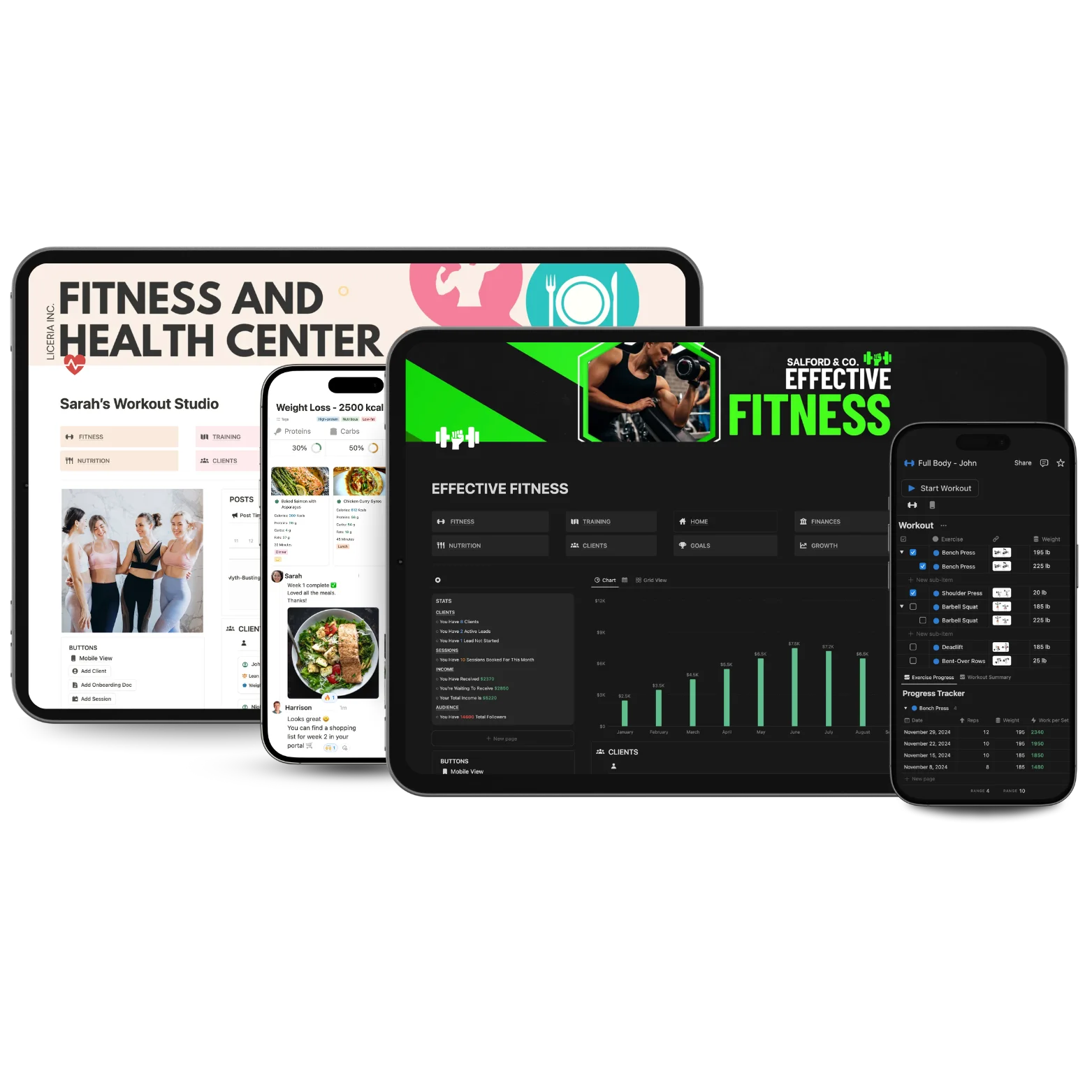
Yes. Plans are shared through the client's Notion portal and accessible on any device. There is also a dedicated mobile workout view you can switch to by tapping the dumbbell icon at the top of the workout table, which changes the layout to a more streamlined display suited for phone screens. Clients can also add a shortcut widget to their phone's home screen for quick access.
How many exercises are included in the library?
PRO COACH comes with a library of 200+ exercises and stretches already added. Each exercise can store notes, video links, equipment requirements, and coaching cues. You can add your own movements to the library at any time and the library can be set to public access so clients can see exercise details inside their workouts.
Can I build periodized training plans and track progressive overload?
Yes. You can structure programs into phases and build progressive overload across weeks or months. For tracking sets and reps at different weights, you can either use the sub-items feature to create a new row for each set or add repeating exercise rows and adjust the weights and reps individually. The session-by-session tracking system logs every workout so you can see exactly how a client is progressing over time.
How do I share a training plan with a client?
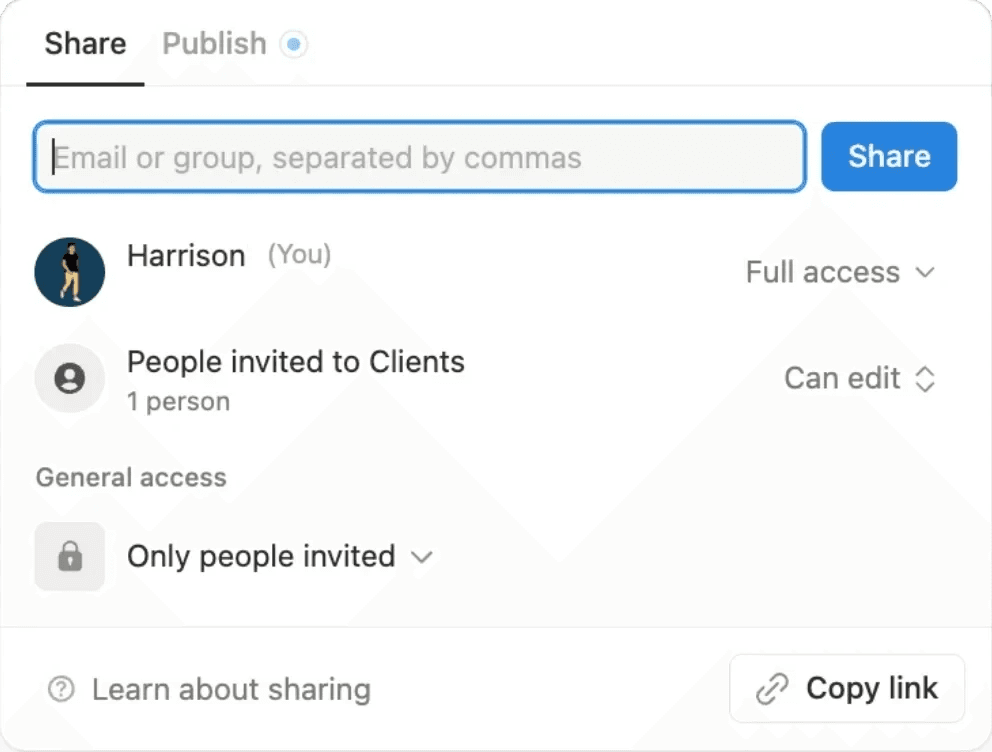
There are two ways. You can invite the client via their email directly from the share menu on the plan page, giving them either view-only or edit access. Or you can make the plan public and share the live link, which means they can view it without needing a Notion account. Before sharing, make sure the exercise and workout databases are set to public access so the client can see all the content inside the plan.
Can I assign the same training plan to multiple clients?
Yes. You build the plan once, duplicate it, and assign the copy to each client. Any changes you make to one client's plan don't affect the others so you can personalise freely without overwriting a shared template.
Is there a limit on how many training plans I can create?
No. Notion has no storage limit so you can build as many workouts, programs, and training plans as you need. Your template library grows with your business.