8,000 Downloads
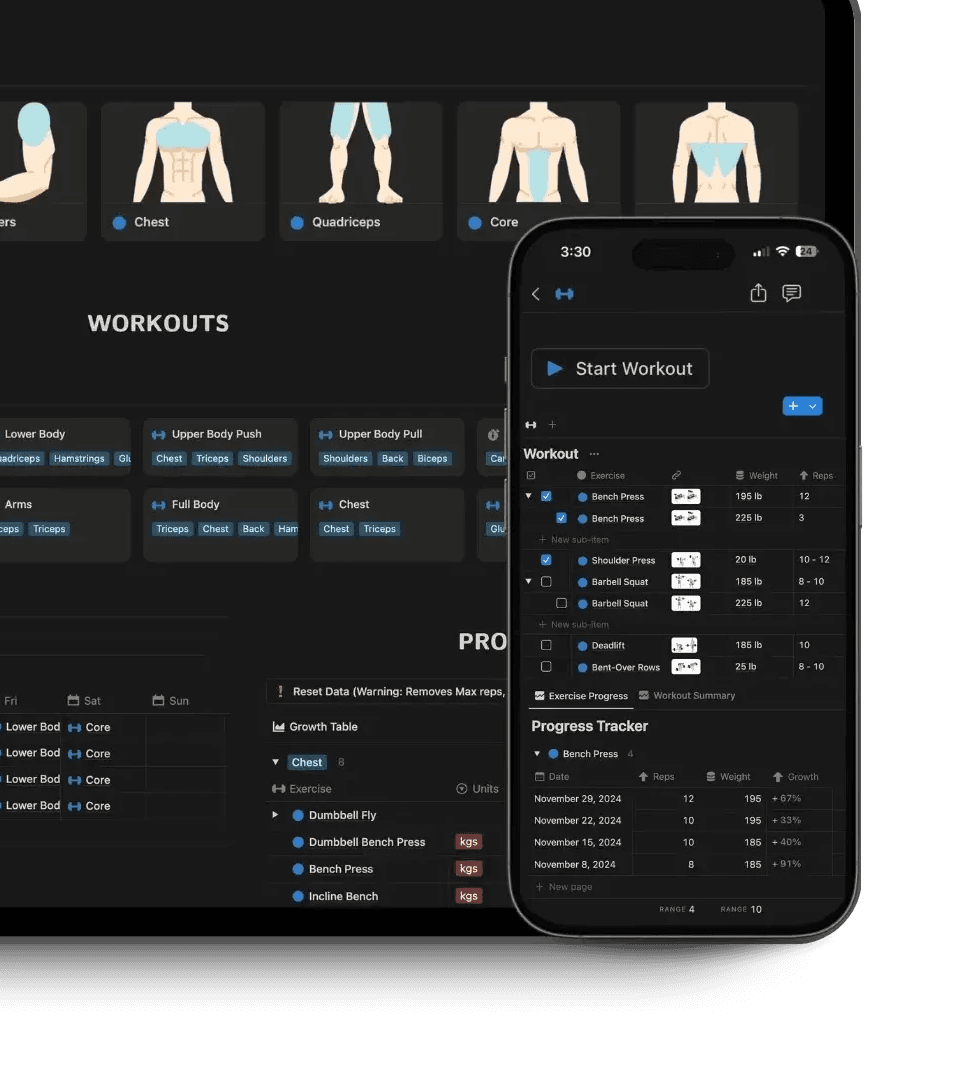


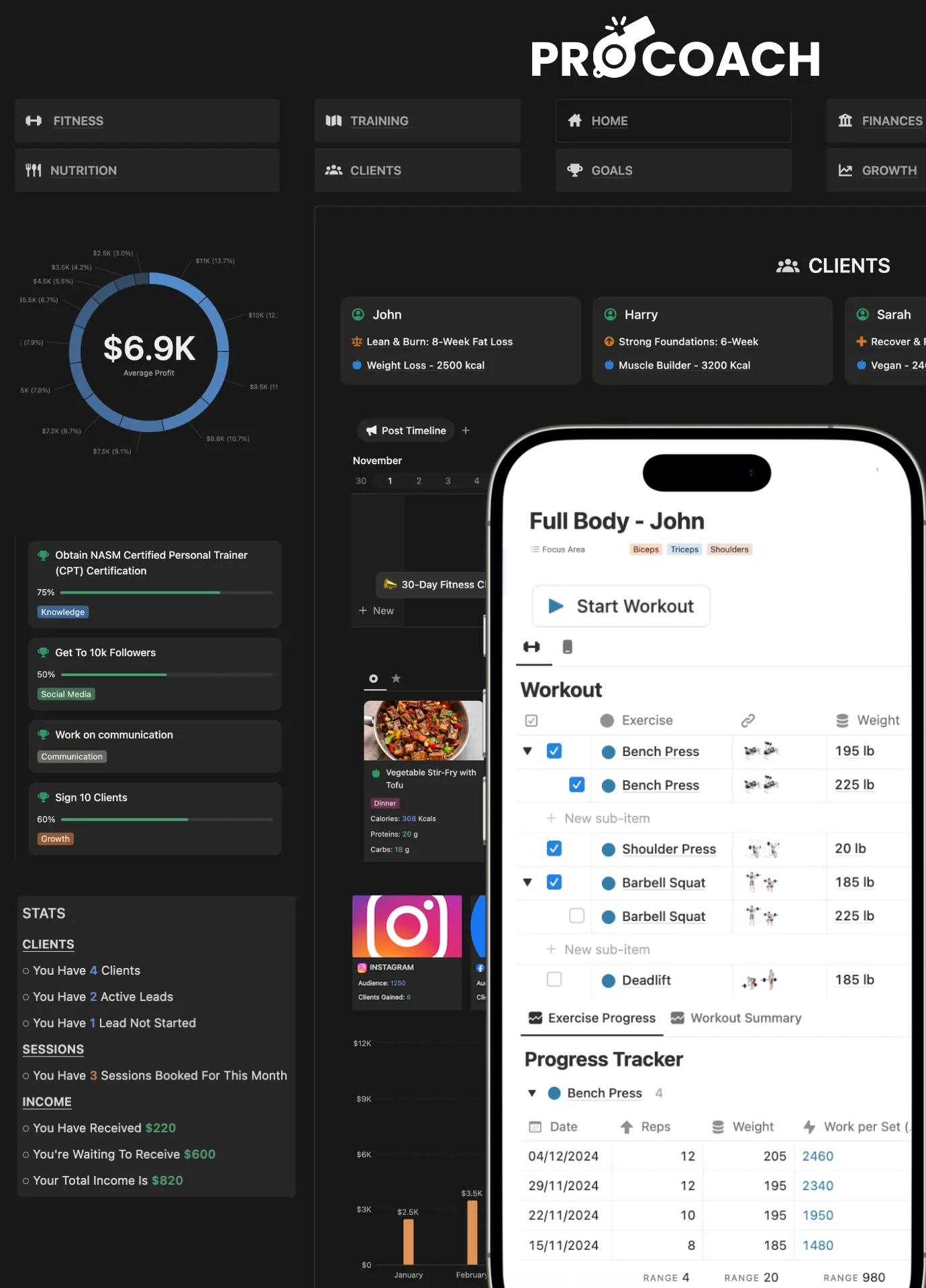
Everything You Need to Plan and Track Your Workouts in One Place
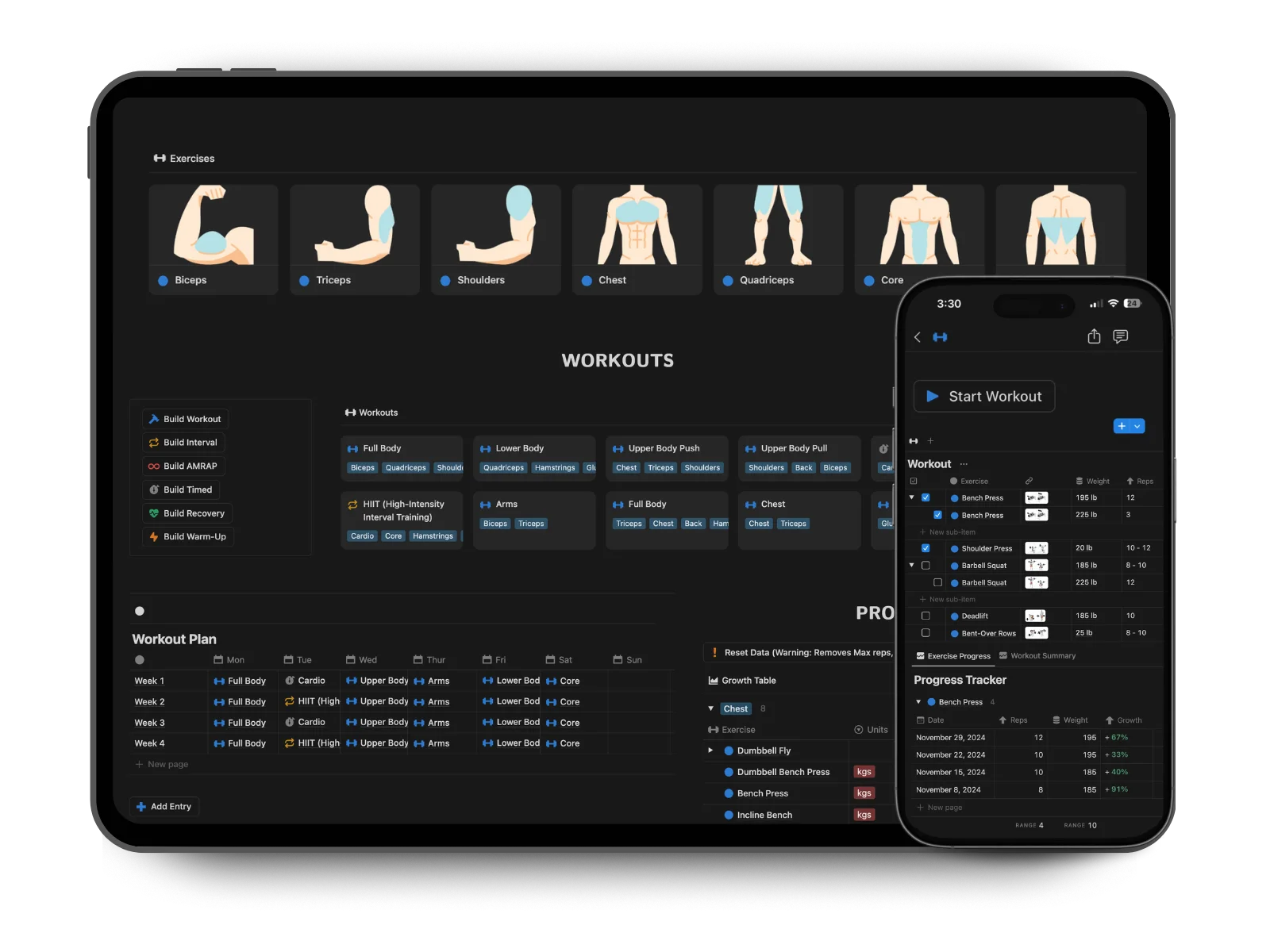
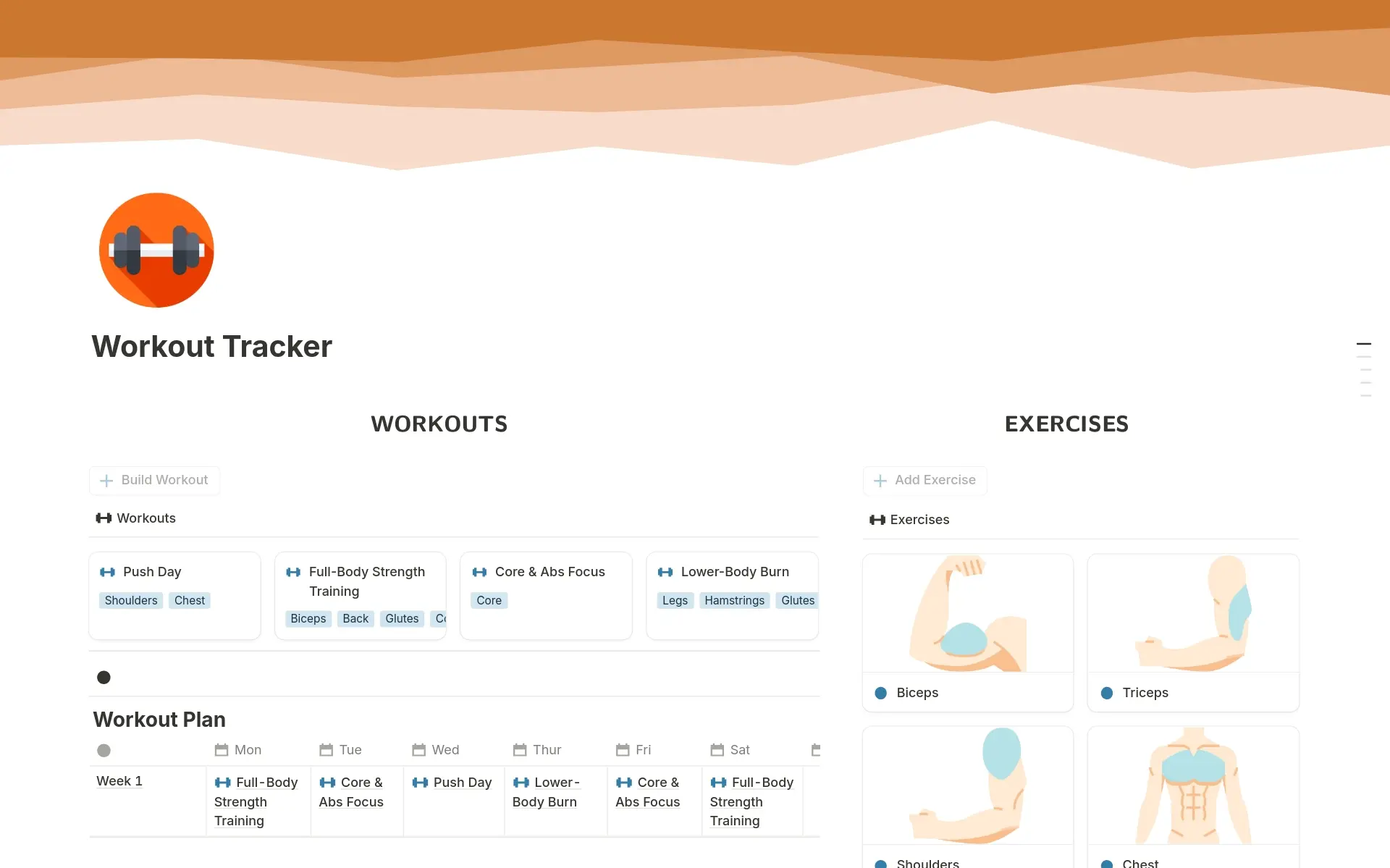
Pick your exercises, build your workouts, set your plan, then log every session as it happens inside one simple, customizable Notion page.


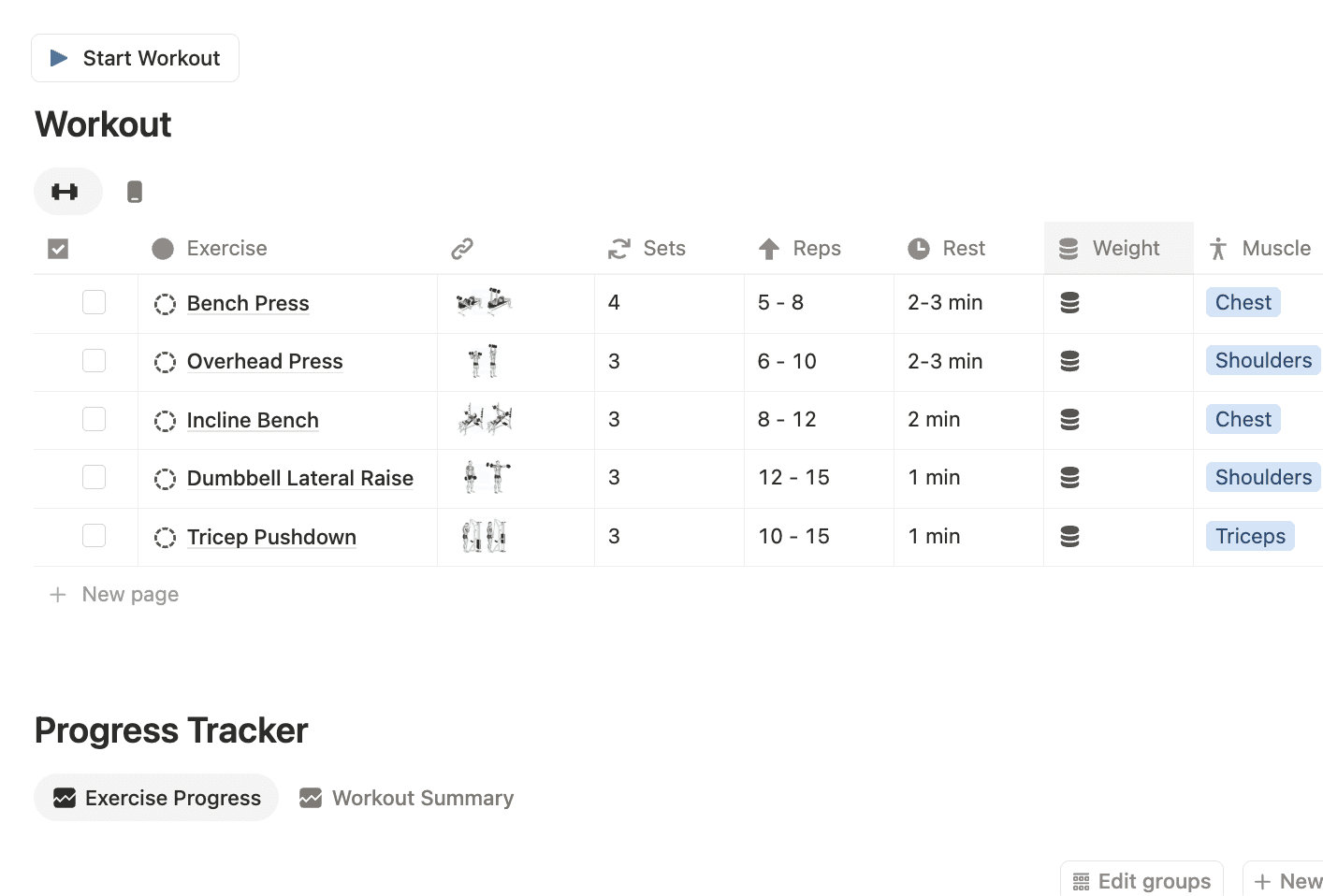


Build Your Own Splits
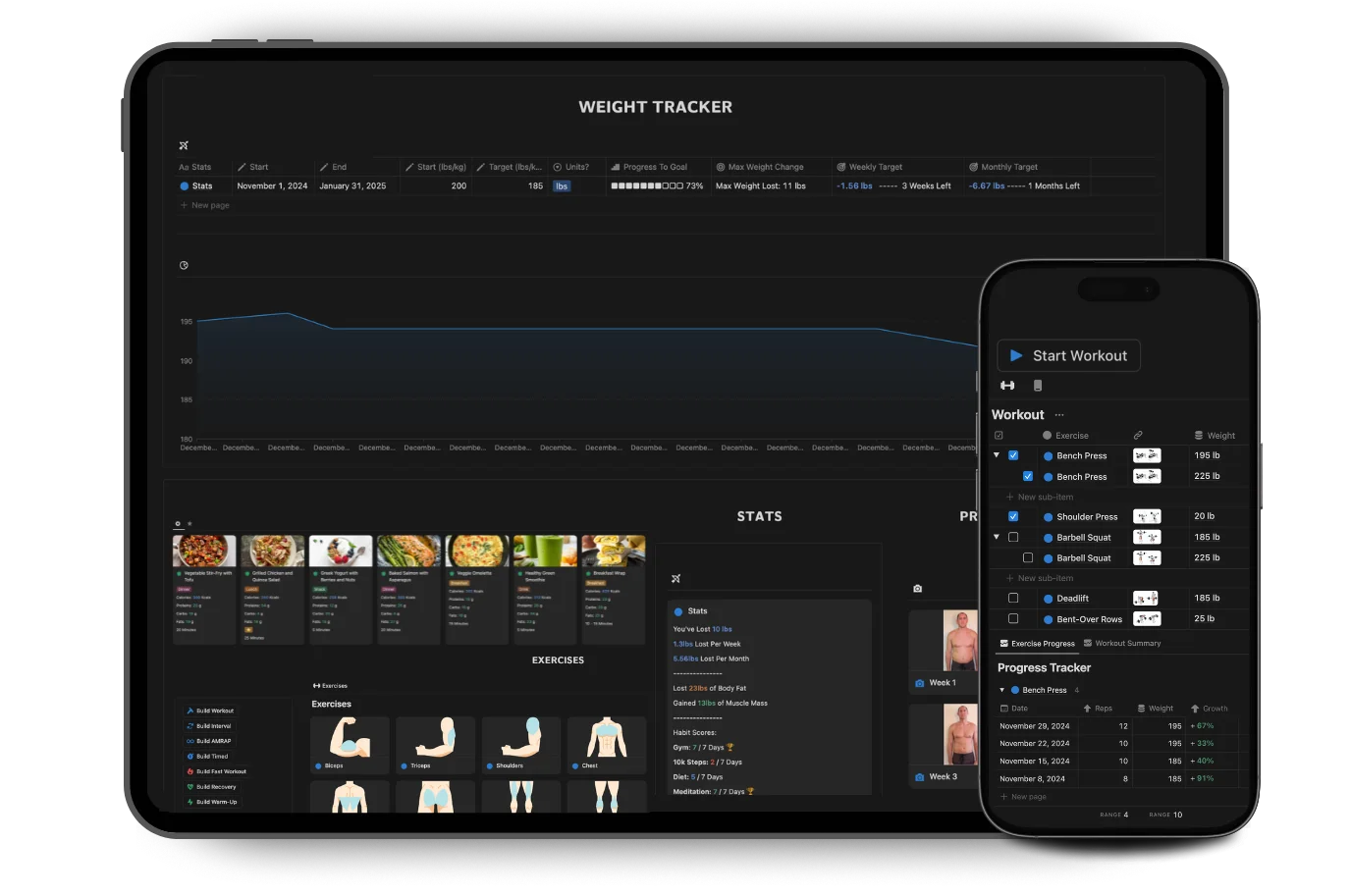
Track From Your Phone
Log a set from the Notion app between rests. The faster you can track, the more consistent you will be.
Beat Last Week's Numbers
Your previous sets, reps and weights sit right there in your history, so every session starts with a number to beat rather than a guess.
Customize Everything
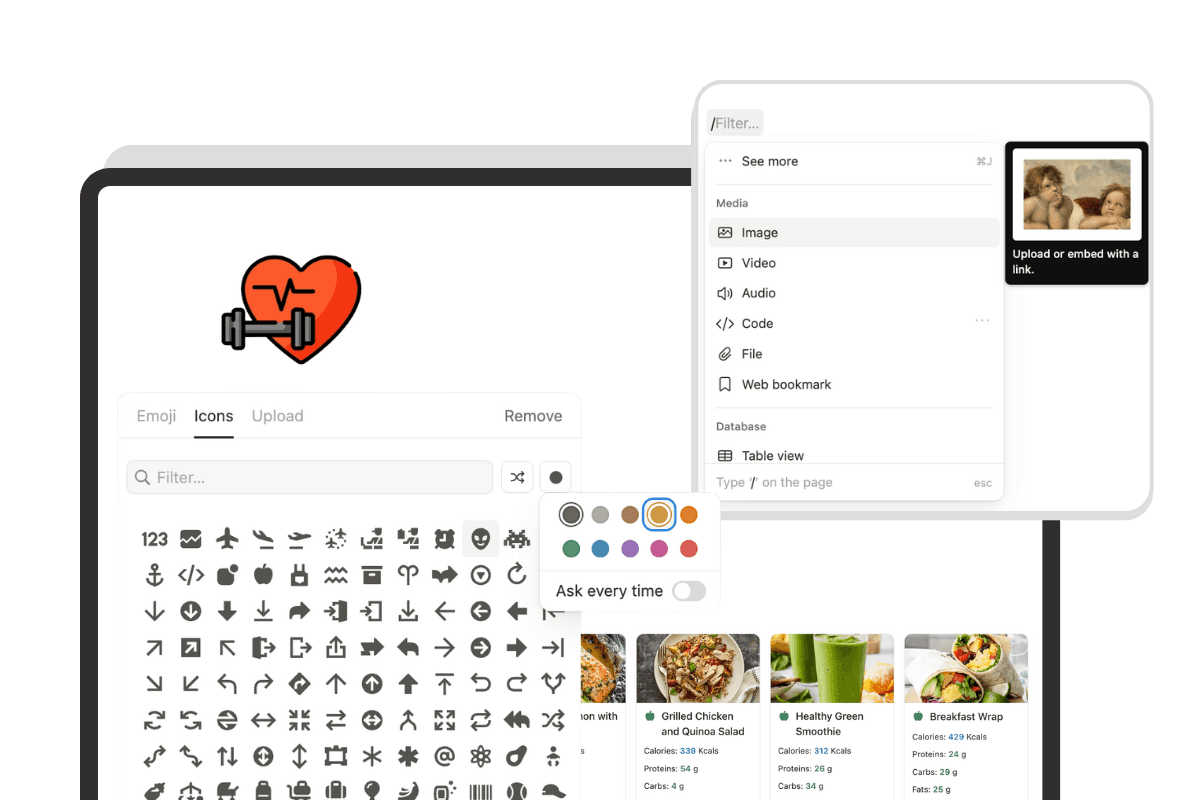
Change properties, views, exercises, layouts and any other part of the template to build a workout tracker that works the way you train.





8,000 Downloads

"A great template with an easy to use tracker that gives all the data you would want!"

Geraldine Schollum
Fitness OS
"It's very helpful since it's easy to use and keeps me reminded of my weight. I've gone from 80kg to 75kg in 1 month thanks to this."

Timothy Hodgkinson
HEALTH 360
Is this Notion workout tracker template free?
Yes. The workout tracker is completely free to duplicate and use in your own Notion workspace. You can change the exercises, units, views and layout to fit the way you train.
What is a Notion workout tracker?
A Notion workout tracker is a page for building workouts and recording your training. This template combines an exercise library, a custom workout builder, a weekly workout plan and a session log with sets, reps and weights, all inside one Notion page.
What is included in the free workout tracker template?
A pre-loaded exercise library, a workout builder for creating unlimited custom workouts, a workout plan for laying those workouts across your week, and a session log that records each workout you complete with the sets, reps and weight for every exercise.
How do I build a workout in the template?
Create a new workout, pull exercises in from the library, then set the sets, reps and starting weight for each one. Build as many workouts as you want and reuse them for as long as you run that program.
Does it come with an exercise library?
Yes. Exercises are already loaded so you are picking from a list rather than typing every movement in yourself. You can add your own exercises at any time and they stay available for every future workout.
Can I use it for push pull legs, upper lower or a full body split?
Yes. Build the workouts your split needs, then place them across the week in the plan. Push pull legs, upper lower, full body, a five-day split or your own structure all work the same way.
Can I track sets, reps and weight for every exercise?
Yes. Every exercise inside a workout holds its own sets, reps and weight, and each session you log keeps that record.
Can I track progressive overload?
Yes. Because every session is logged, last week's numbers are there when you start today's workout. Add a rep or add weight against what you did last time instead of trying to remember it.
Can I use this on my phone at the gym?
Yes. The template works in the free Notion mobile app, so you can log a set on the gym floor between rests rather than writing it up afterwards.
Do I need a paid Notion account?
No. Everything in the free workout tracker runs on a free Notion account.
Can I use kg or lbs?
The tracker works with whichever unit you enter. Stay consistent and everything follows.
Is this good for beginners?
Yes. Beginners get a ready-made exercise library so they are not staring at an empty page, and experienced lifters get a builder flexible enough for whatever program they are running.
How is this different from a workout tracker app?
An app decides what you track and charges you monthly for the history and charts. This is a template you own outright on a free Notion account, where you control the exercises, the fields and the layout.
How do I get the free Notion workout tracker template?
Click the download button on this page to get the free template. Duplicate it into your Notion workspace, build your first workout, and log a session today.