




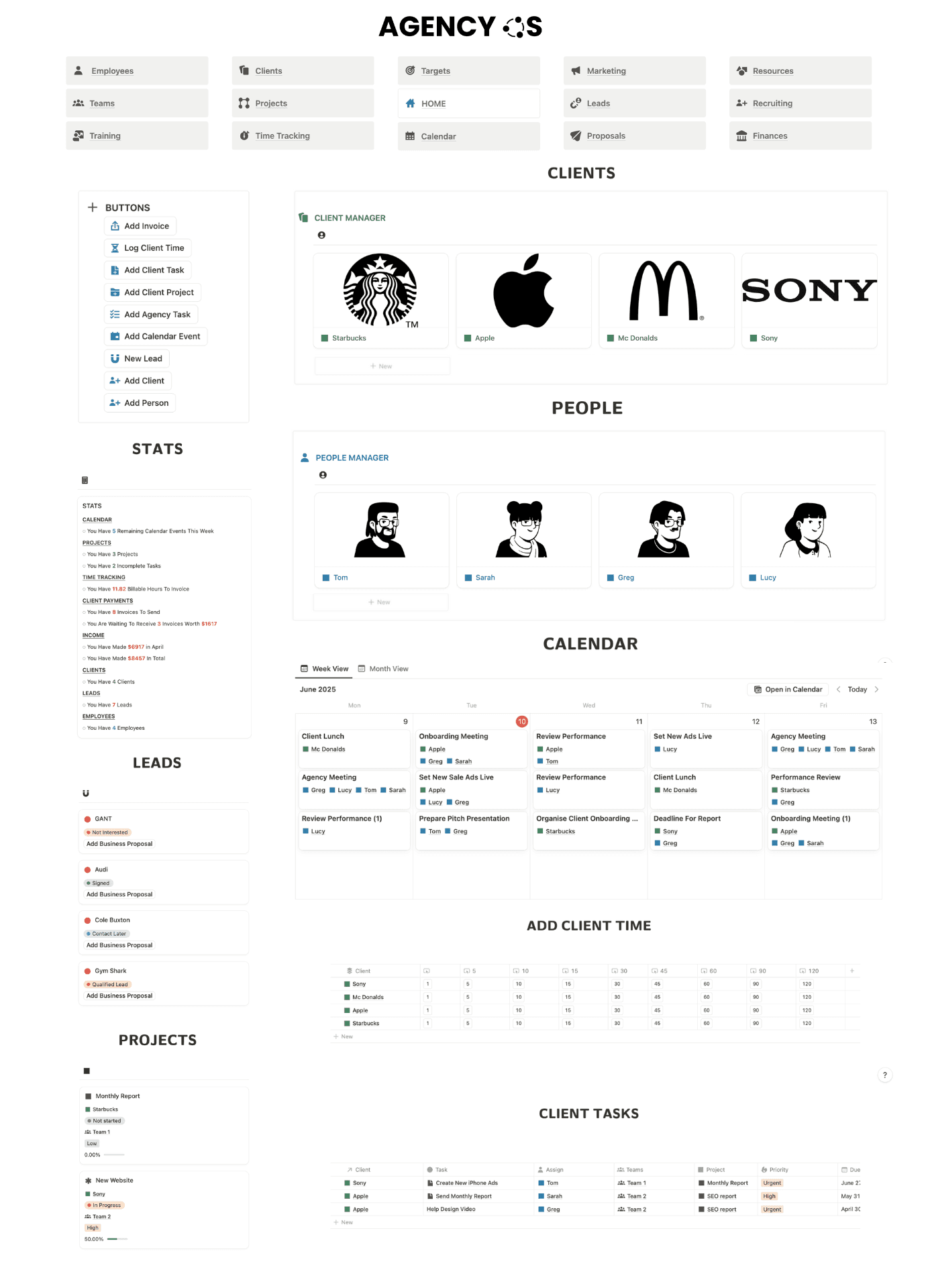


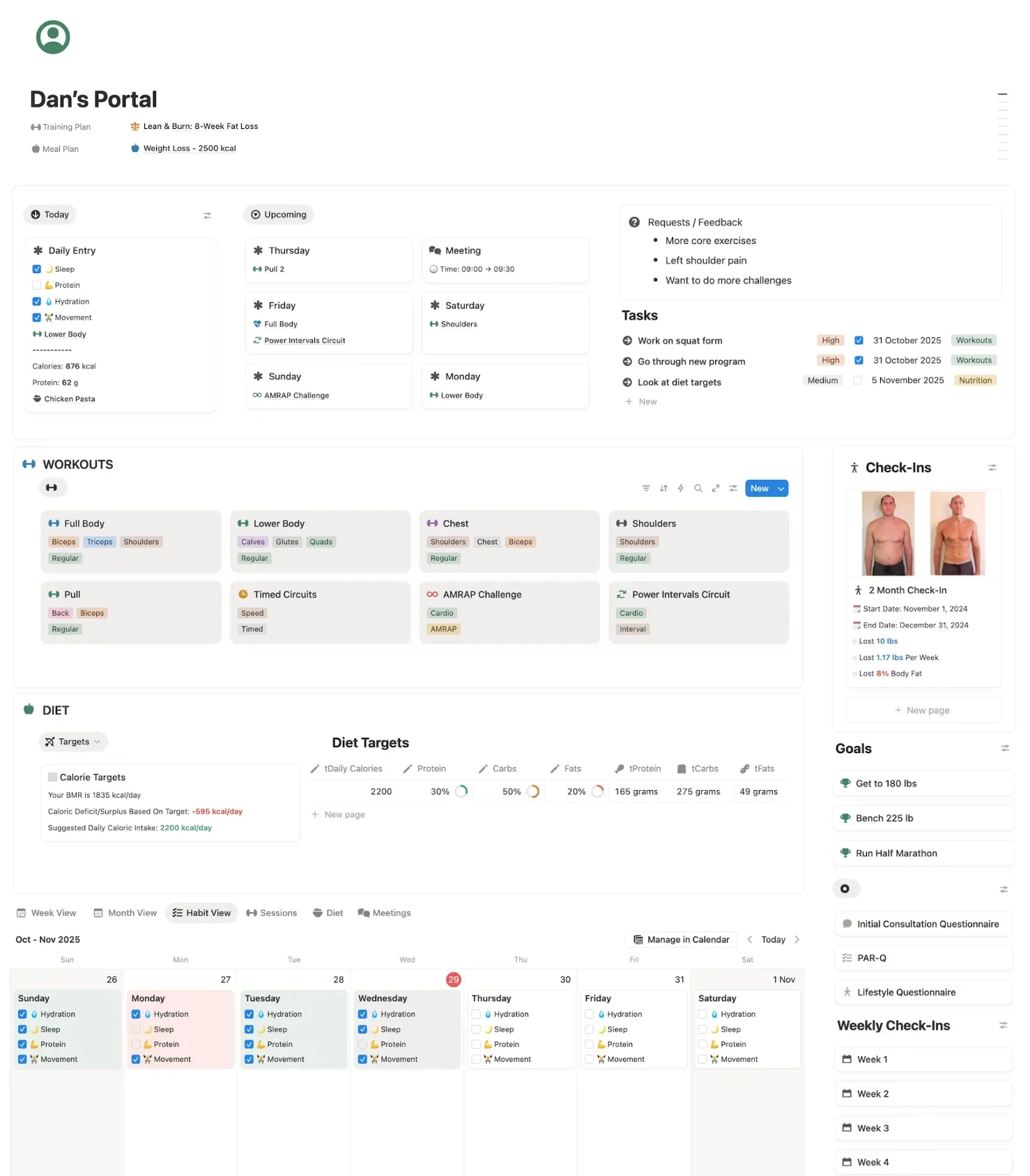
Everything Your Client Portal Needs, in One Page
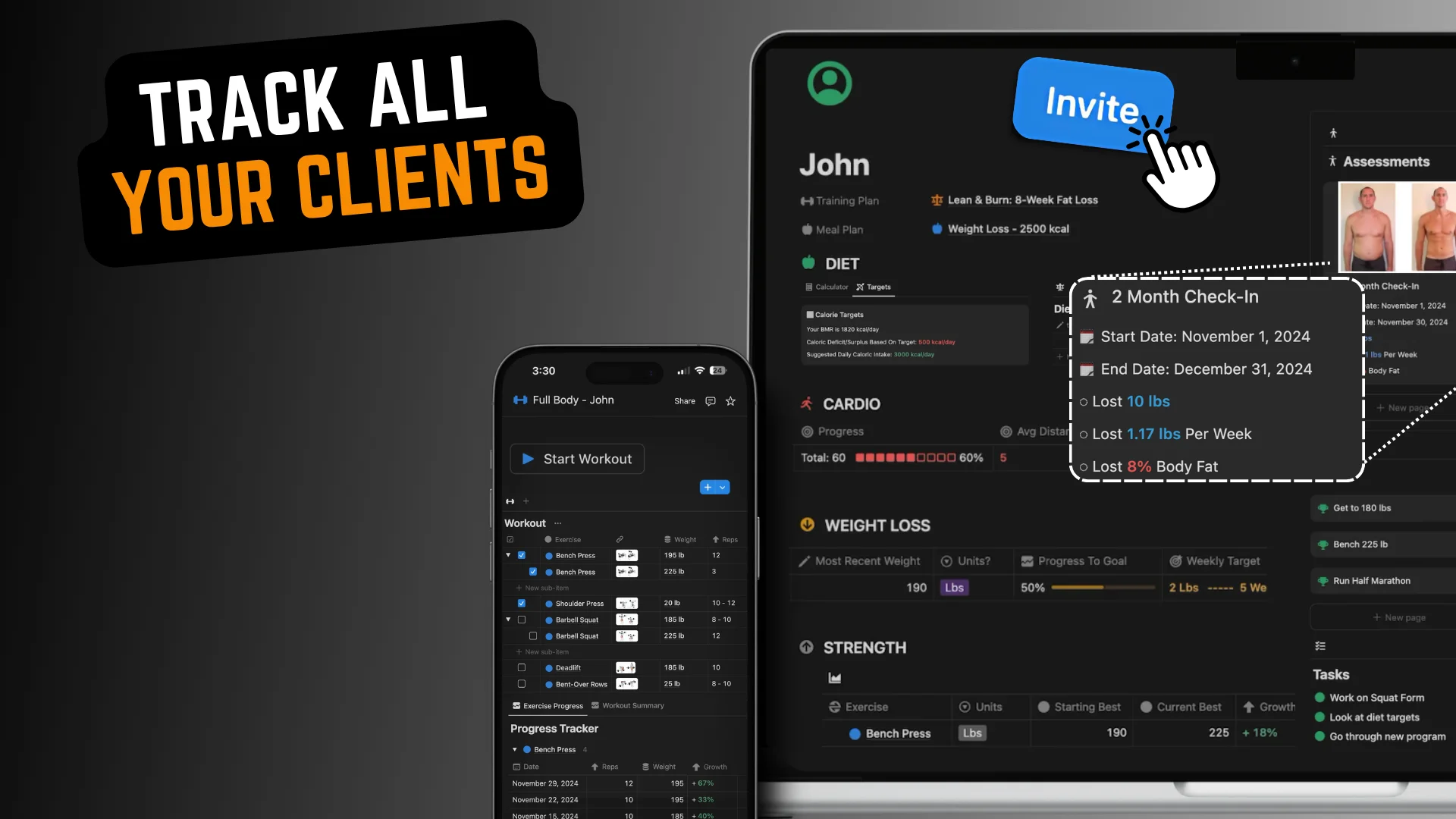
Keep every client update, project detail, KPI, meeting note and file organised in one simple portal your clients can access anytime.




Customize Fully
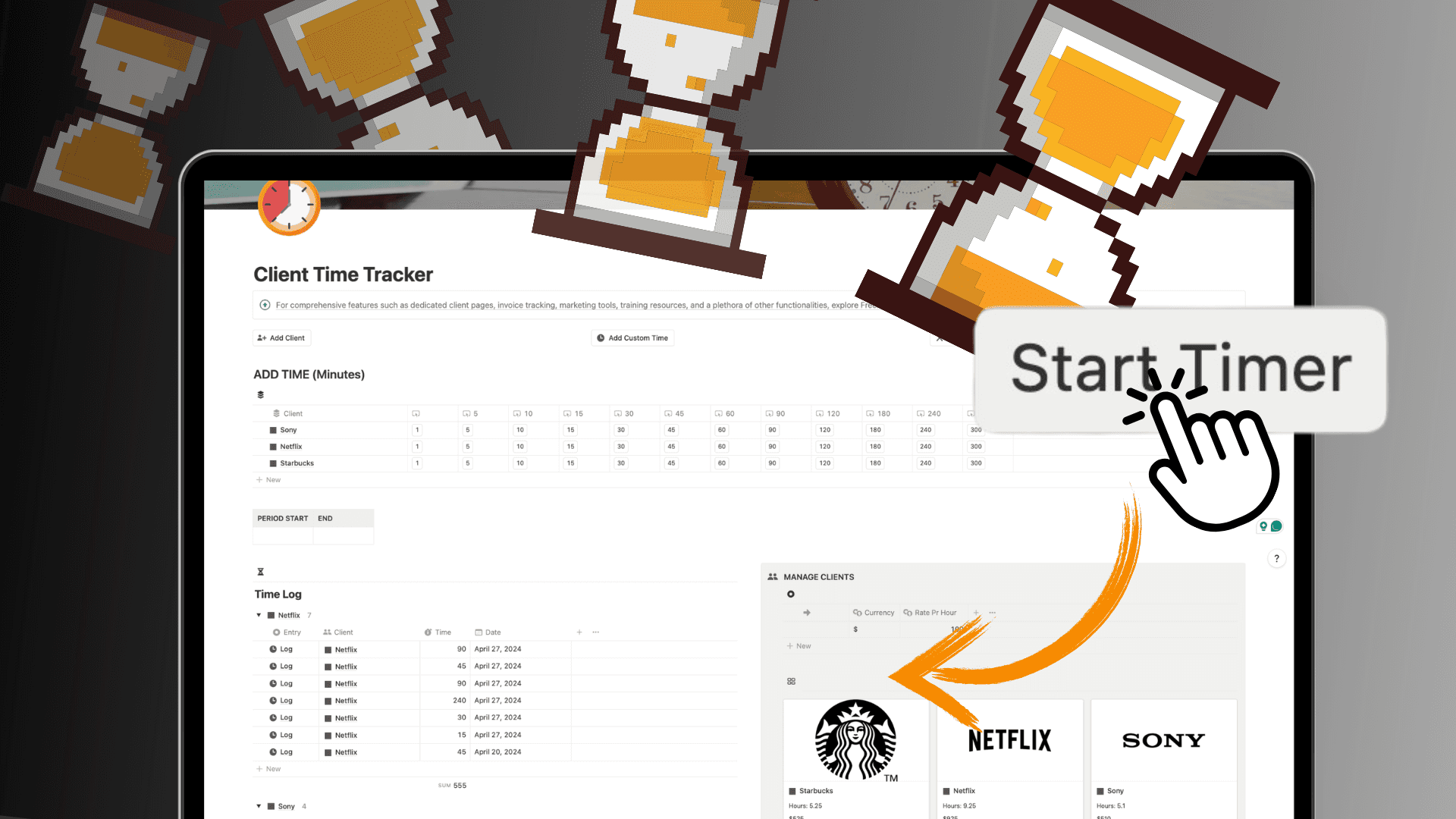
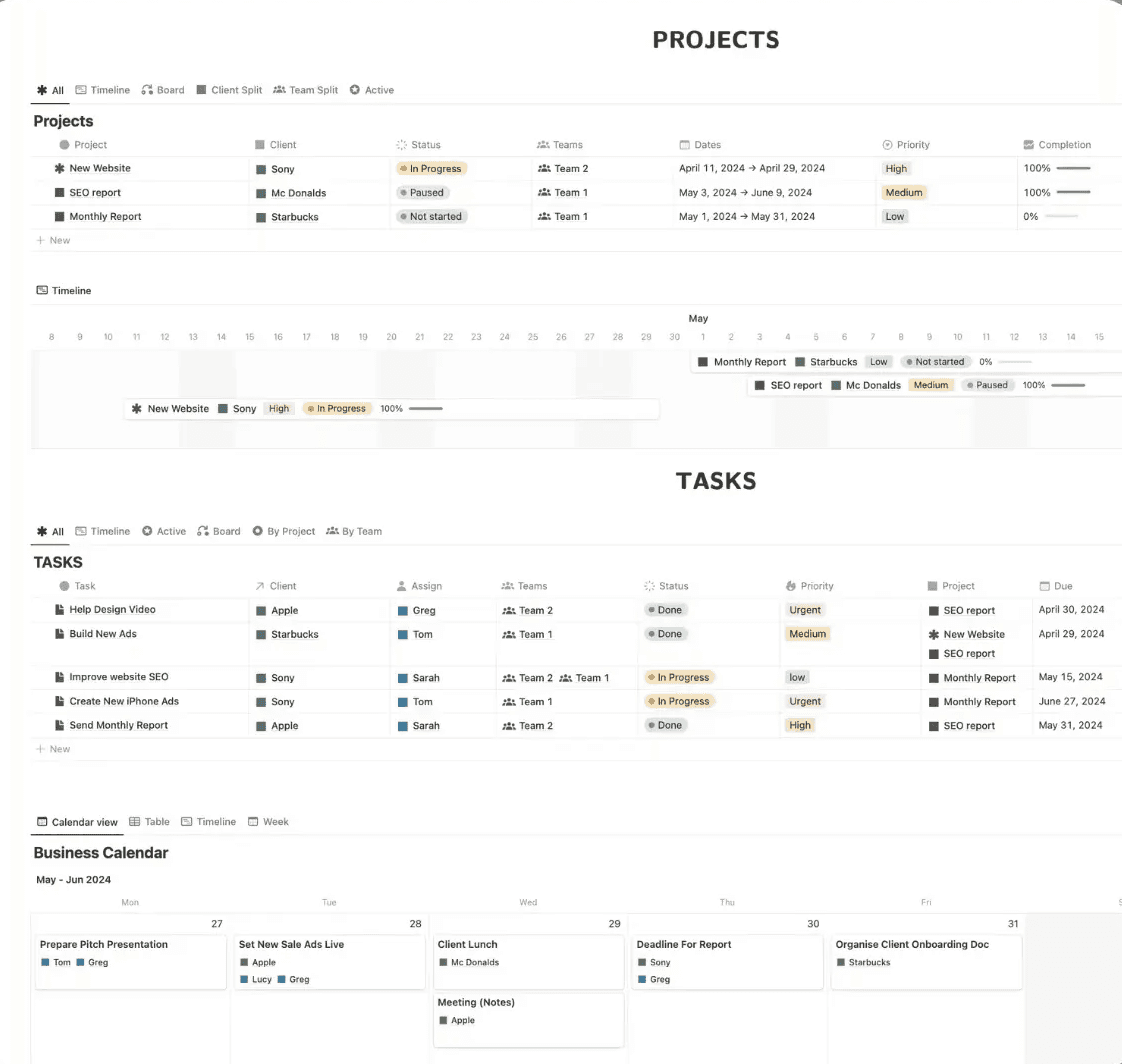
Organize Everything
From tasks to resources.
Keep your client work organized.
Collaborate
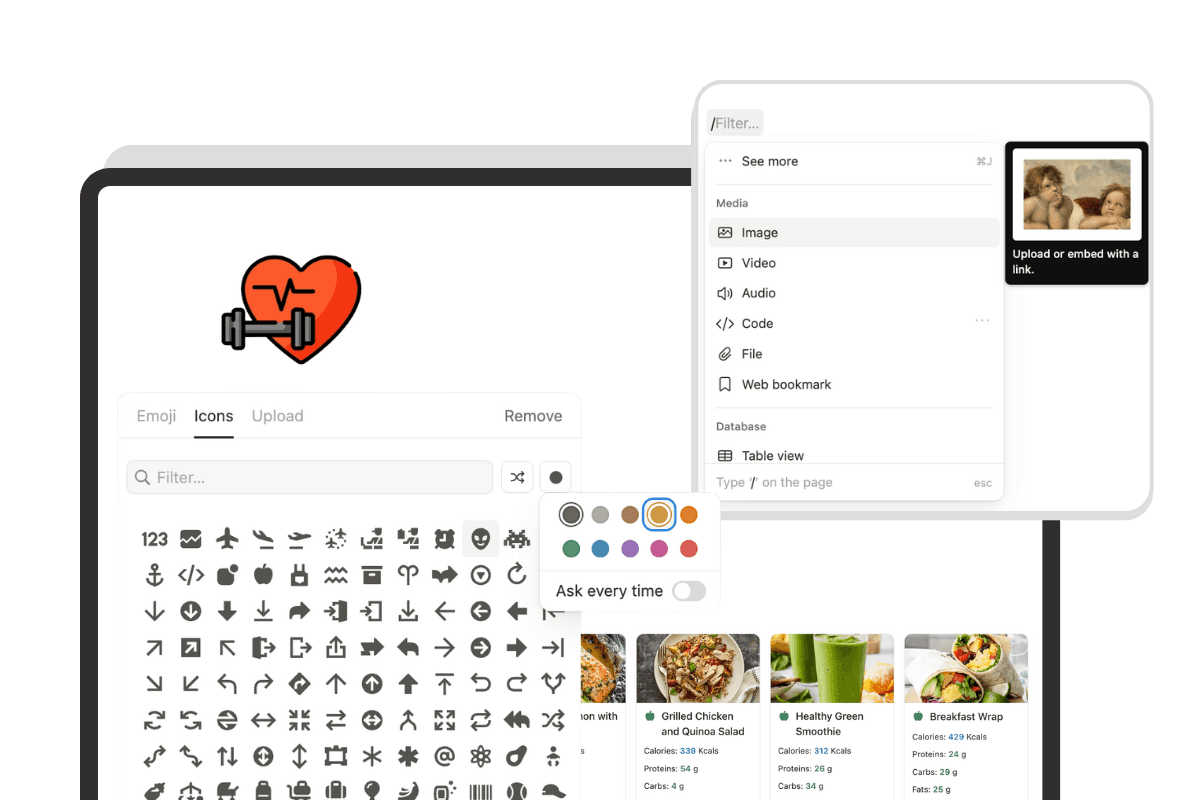
Share client pages, assign work, add comments & collaborate easily.
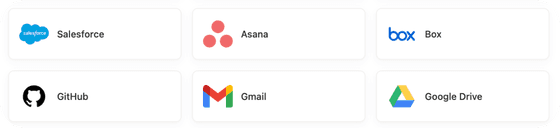
Integrate & Automate
Connect your favorite tools & embed information anywhere.









“We solved our organizational problems! Thank you!”

Nomad Kloud
Marketing Content Agency
Client portal software runs $20 to $100+ a month, often charged per seat or per client. A Notion portal costs nothing on a free account, forever, including every future update.
Is this client portal template free?
Yes. The client portal template is completely free to duplicate and use in your own Notion workspace. You can customize it to match your business, services and the way you work with clients.
What is a client portal?
A client portal is a central workspace where you can organize and share important information with your clients. It can include project details, contacts, KPIs, performance reviews, resources and other information your clients need in one place.
What is included in the free client portal template?
The template includes dedicated sections for client information, contacts, projects, KPIs, performance reviews and other important client resources. Everything is organized inside Notion and can be customized to suit your workflow.
Who is this Notion client portal template for?
The template is designed for agencies, freelancers, consultants and other service-based businesses that want a simple way to organize client information and create a more professional client experience.
Can I customize the client portal?
Yes. Every part of the template can be customized in Notion. You can change the layout, add or remove sections, update properties, add your branding and adapt the portal to the services you provide.
Can I use the template for multiple clients?
Yes. You can duplicate the client portal for each client and customize each version with their projects, contacts, KPIs, resources and other relevant information.
Can I share the Notion client portal with my clients?
Yes. Once you have customized a client's portal, you can use Notion's sharing options to give them access to the page. This gives clients a central place to view the information and resources you choose to share with them.
What should a client portal include?
A useful client portal typically includes key client information, contacts, active projects, deliverables, KPIs, reports, important documents, resources and other information the client may need throughout your working relationship.
How do I get the free client portal template?
Simply click the download button on this page to get the free template. You can then duplicate it into your Notion workspace and start customizing it for your clients.
How can I manage other areas of my business in Notion?
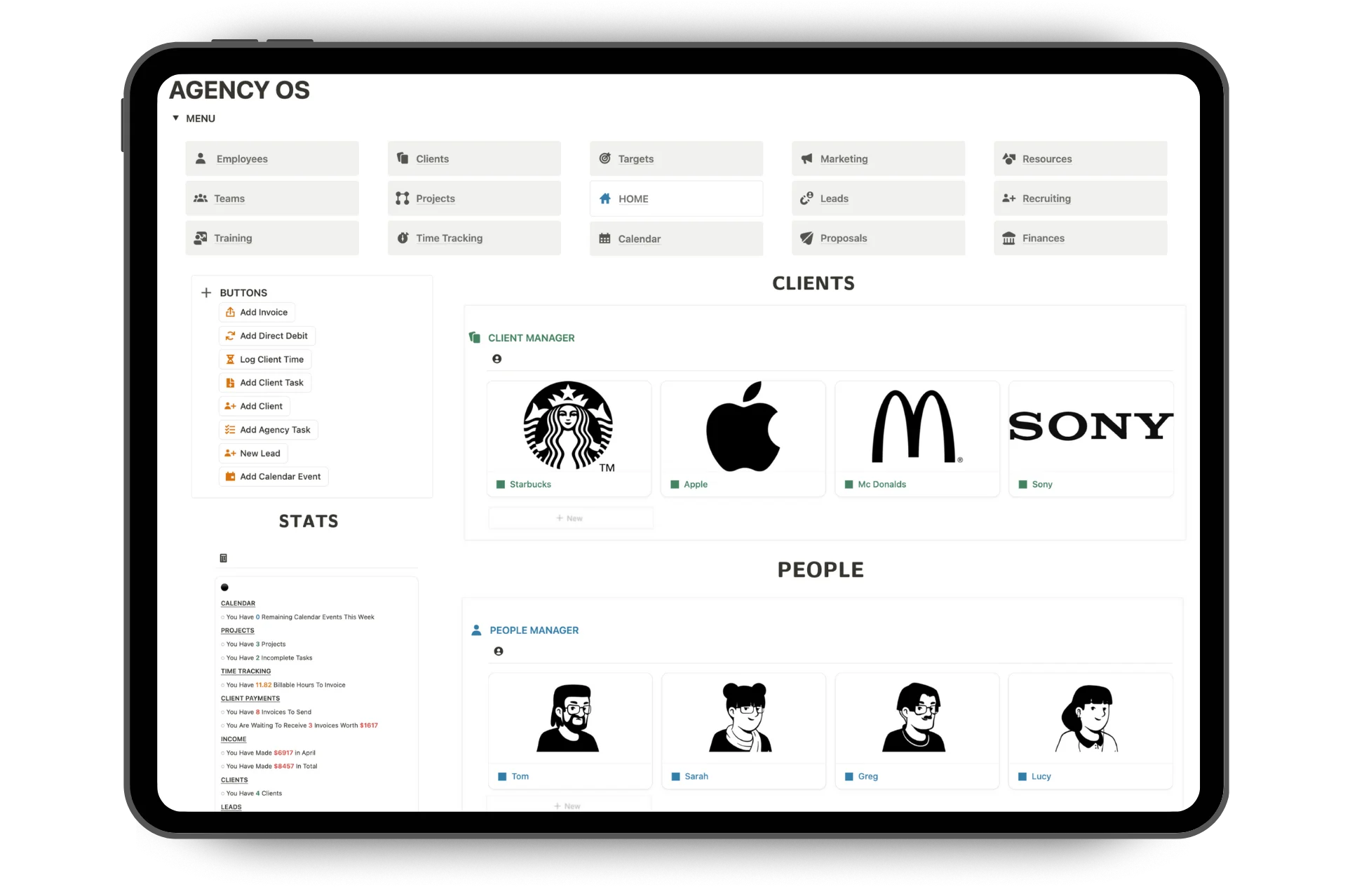
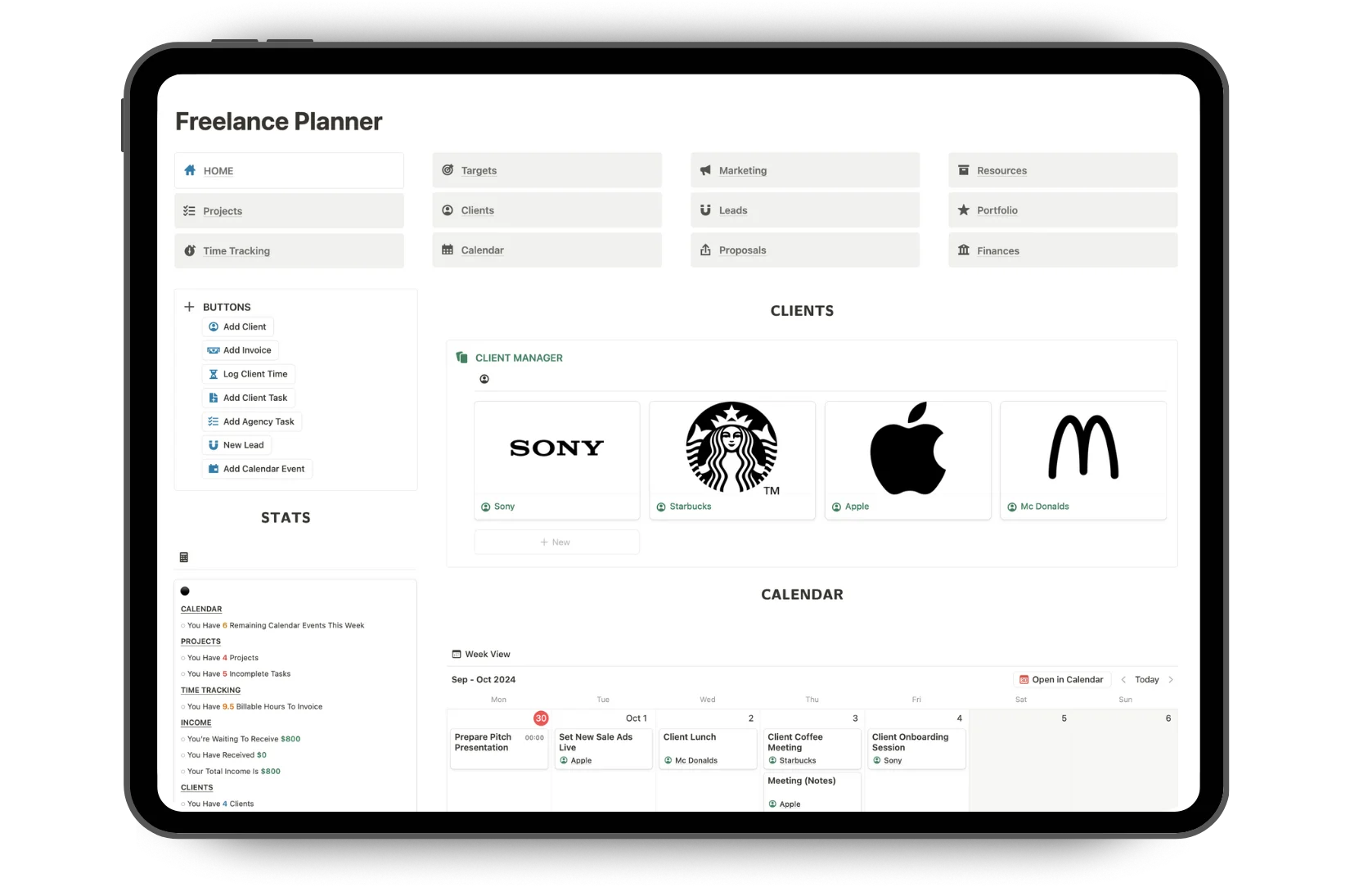
If you need more than a client portal, you can also use Freelancer OS or Agency OS. These templates are designed to manage more of your business in Notion, including clients, projects, tasks, finances, CRM, operations and more.