







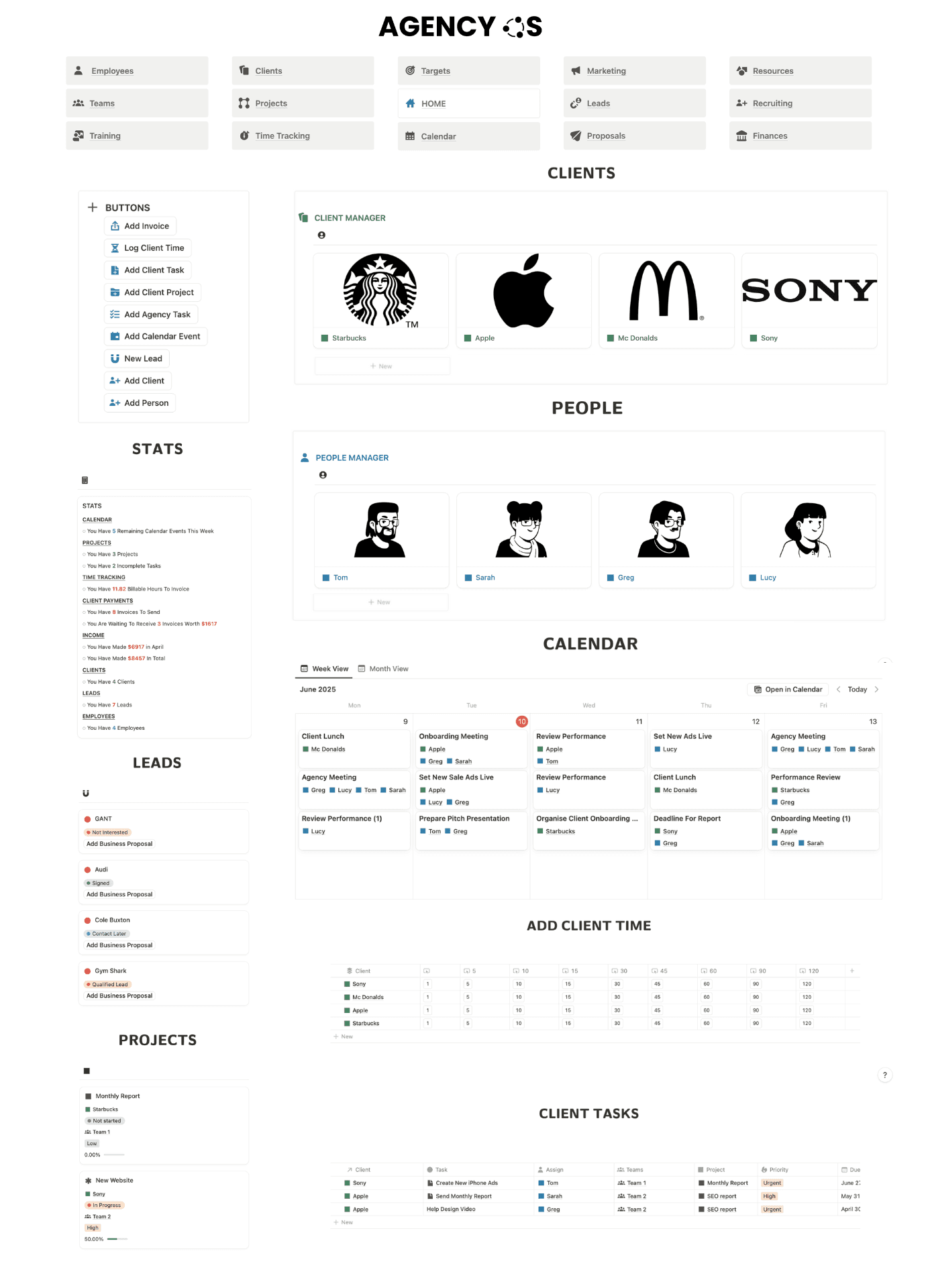

Everything You Need to Track Client Time in One Place
Track your hours, monitor your workload and calculate invoice amounts from one simple, customizable Notion workspace.


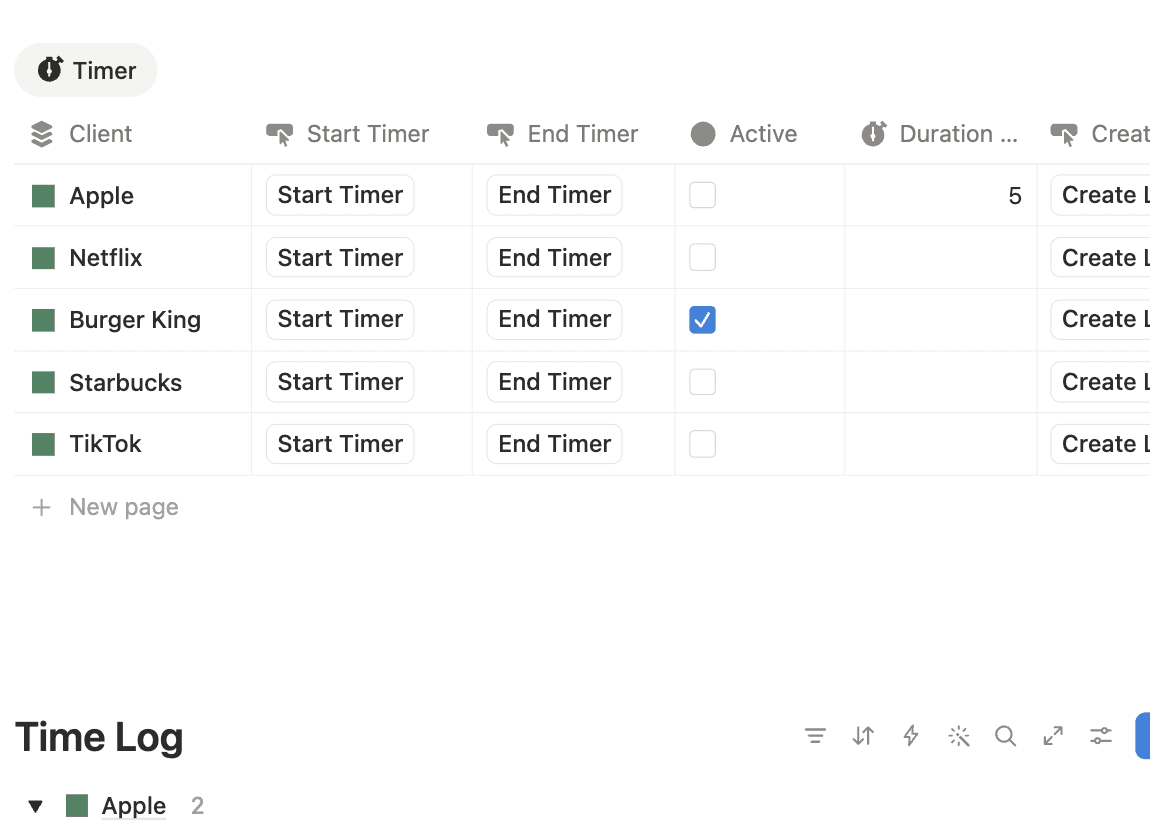


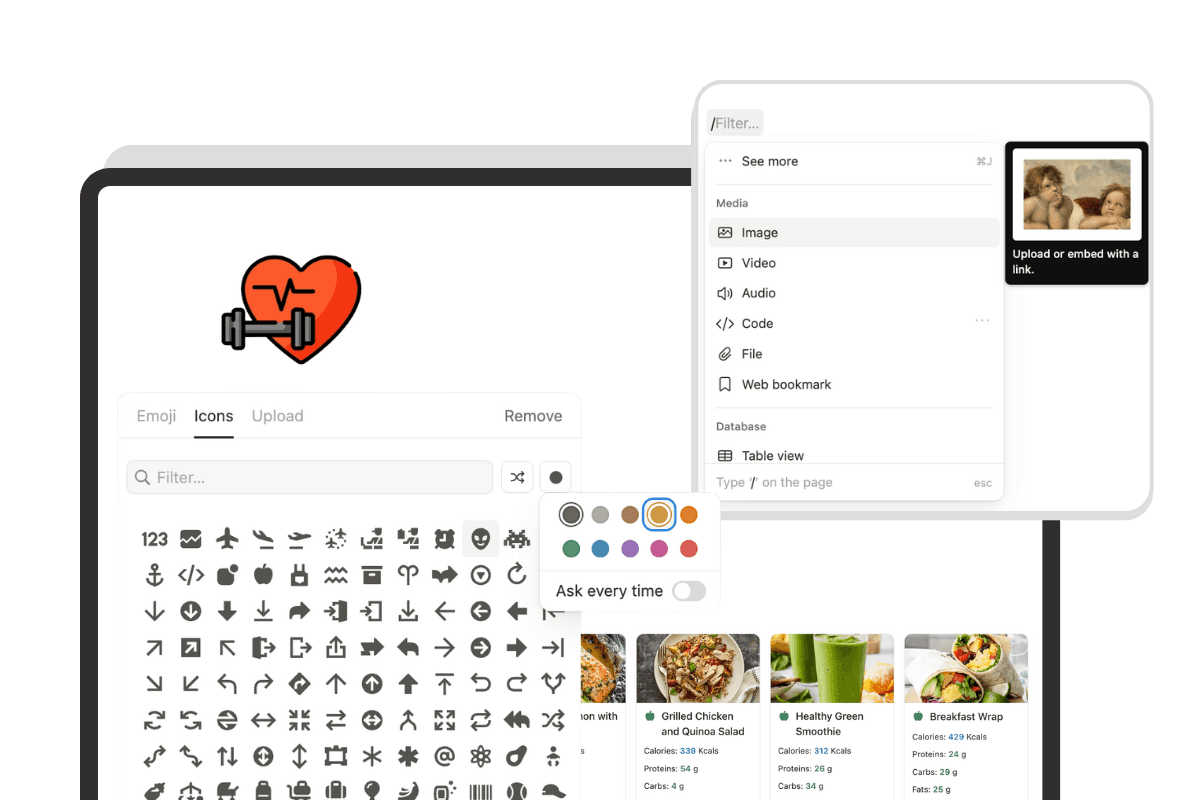
Customize Fully
Integrate & Automate
Connect it to the rest of your Notion workspace so time sits alongside the projects and clients it belongs to.
Bill Accurately
See the charge value of your tracked hours and keep a clearer record before invoicing clients.
Track Faster
Add client time using quick actions instead of manually rebuilding your timesheet every day.








"This is great! I’ve been looking for a way to integrate time tracking into my client onboarding system."

Callum Edwards
Time tracking apps charge per person, every month, and the reporting you actually want tends to sit on the higher tier. This tracker costs nothing on a free Notion account, forever, including every future update.
Is this Notion time tracker template free?
Yes. The time tracker template is completely free to duplicate and use in your own Notion workspace. You can customize the clients, tasks, rates, views and other properties to fit the way you work.
What is a Notion time tracker?
A Notion time tracker is a workspace for recording and organizing the time you spend on work, projects, clients or tasks. This template combines your time log, client information, hourly rates, weekly hours and calculated charges inside one Notion page.
What is included in the free time tracker template?
The template includes quick-action time tracking, custom time entries, client and task tracking, total and weekly hour statistics, hourly rates, calculated charges and a central time log.
Who is this time tracker template for?
The template is designed for freelancers, consultants, agencies and other service-based businesses that need a simple way to record client hours and monitor billable work.
Can I use this as a freelance time tracker?
Yes. Freelancers can add different clients or tasks, record the time spent on each one and use hourly rates to see the value of their billable time.
Can I track billable hours in Notion?
Yes. This template lets you record time against your client work and add an hourly rate so you can see the calculated charge associated with your tracked hours.
Can I track multiple clients?
Yes. You can add as many clients or tasks as you need and use the tracker to keep their time entries organized in one place.
Can I customize the Notion time tracker?
Yes. The template is fully customizable. You can change the layout, clients, tasks, hourly rates, properties, views and other parts of the tracker to match your workflow.
Does the template show weekly hours?
Yes. Alongside your overall tracked time, the template includes a weekly view so you can quickly review the hours you've logged during the current week.
How do I get the free Notion time tracker template?
Click the download button on this page to get the free template. You can then duplicate it into your Notion workspace, add your clients and rates, and start tracking your time.
How can I manage the rest of my business in Notion?
If you need more than a client time tracker, you can also use Freelancer OS or Agency OS. These templates are designed to manage more of your business in Notion, including clients, projects, tasks, finances, CRM, operations and more.