
Transcript
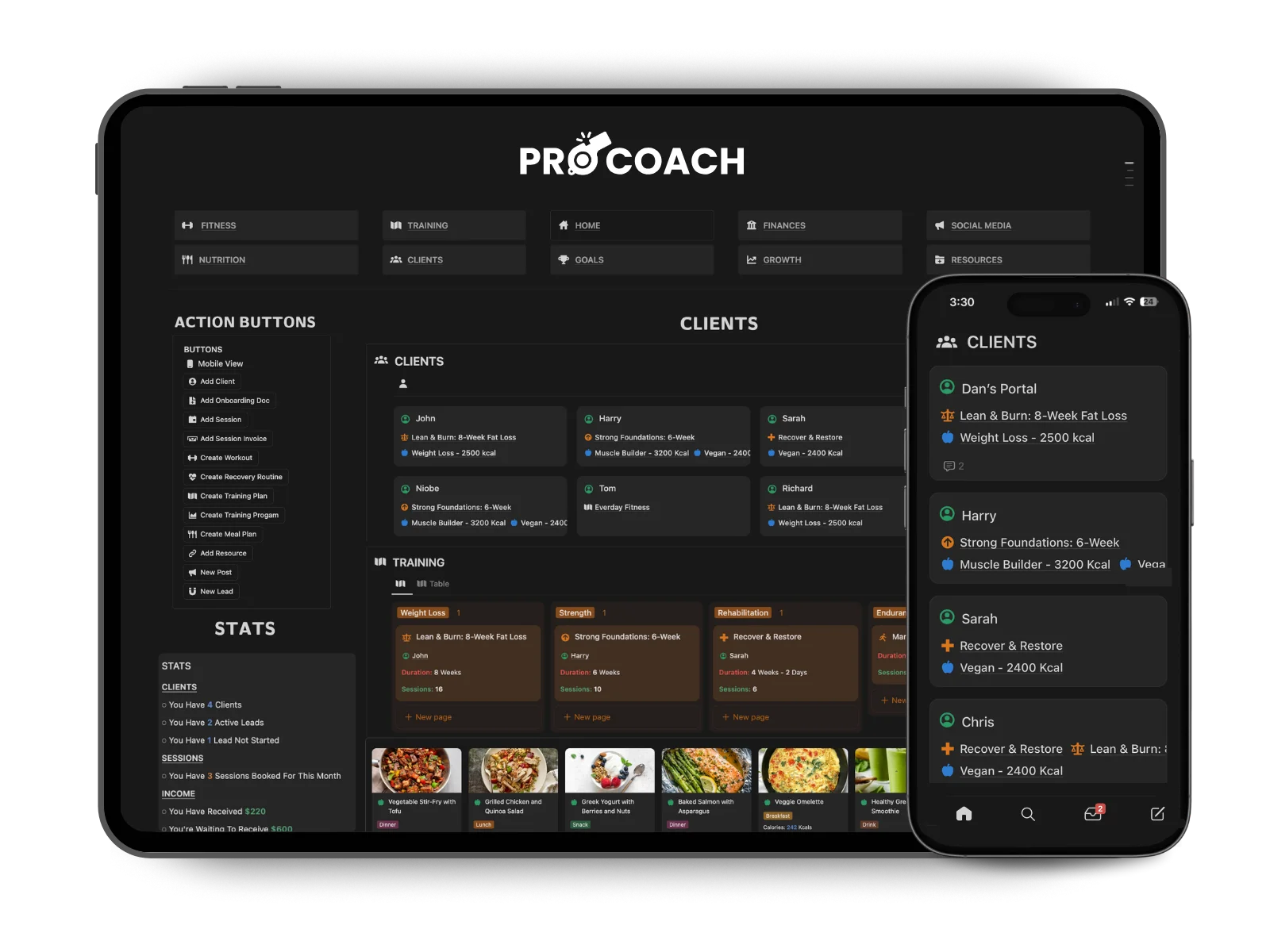
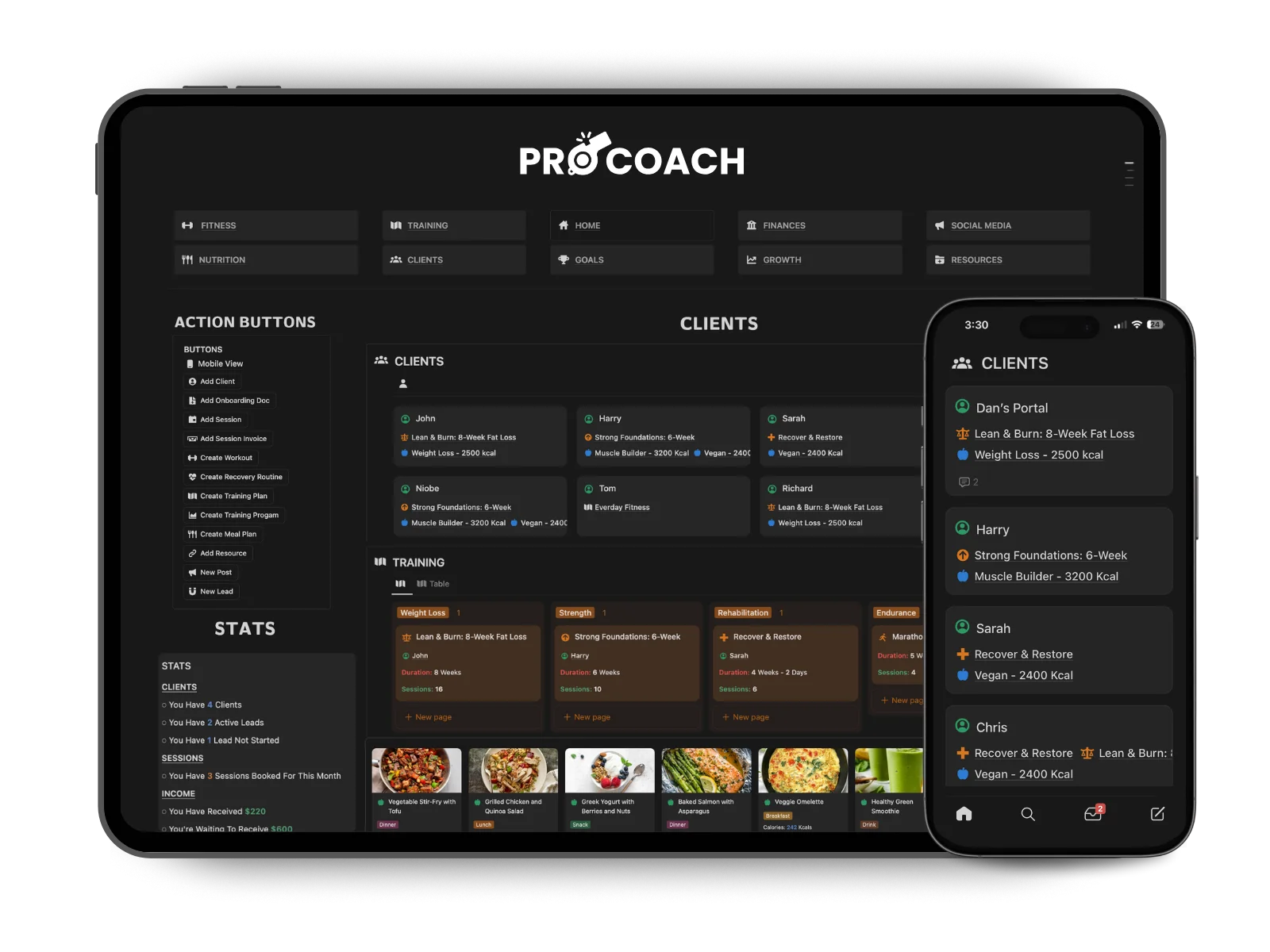
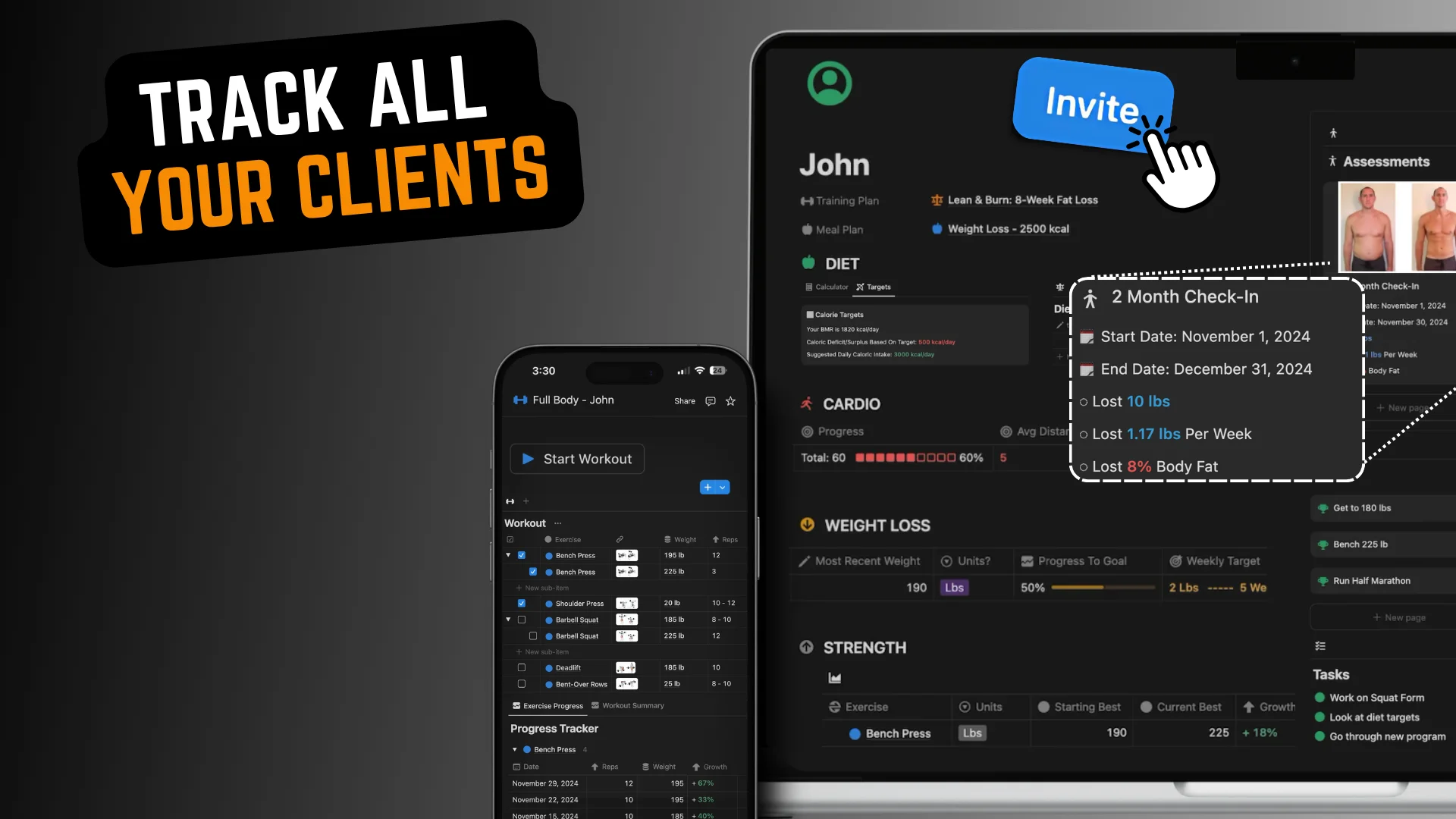
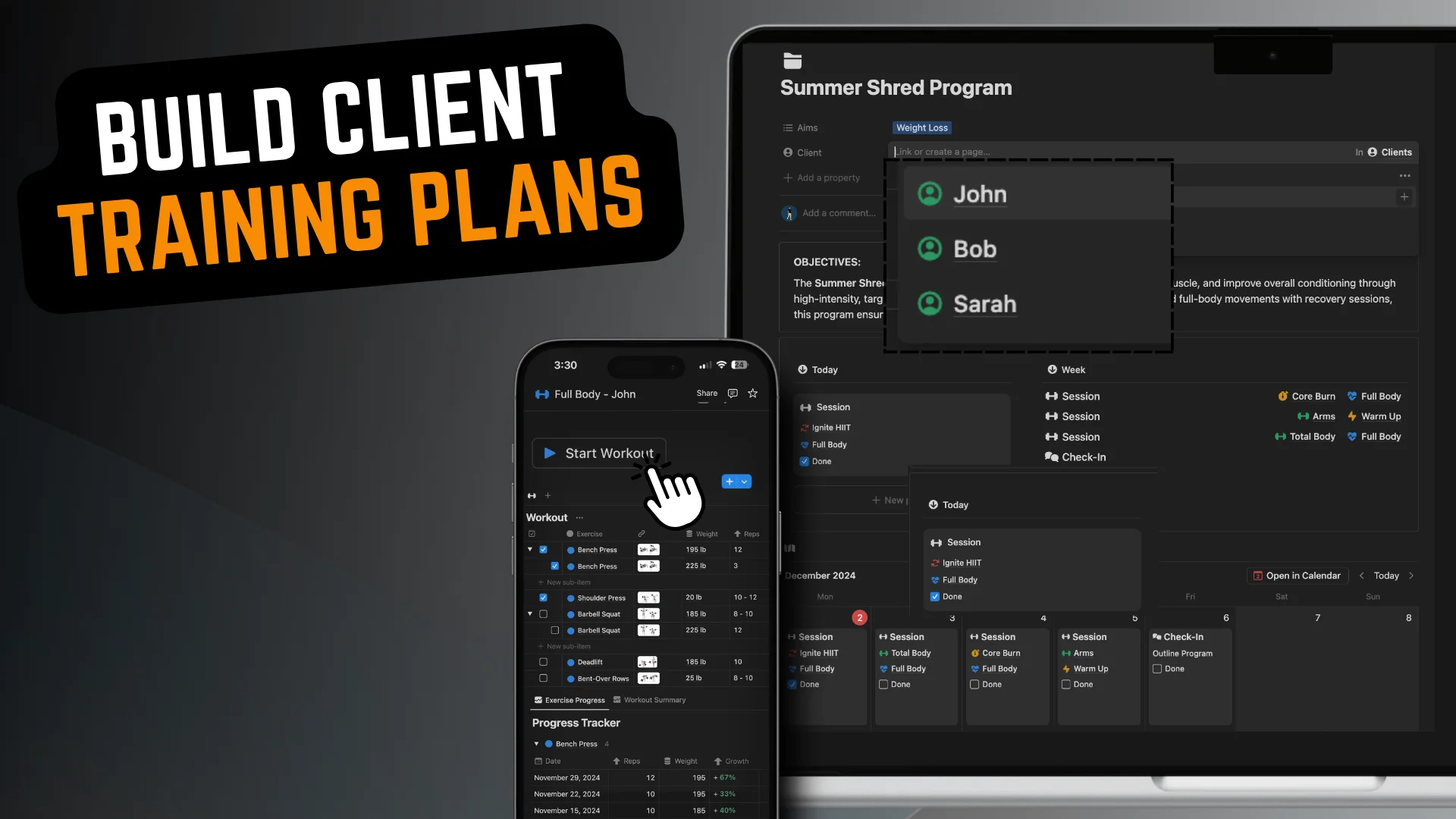
Intro (00:00) Want a better way to keep track of your clients, their progress and your coaching plans? What if I told you there's a way to manage everything in one place without the hassle? Meet PRO COACH, the Notion template designed to streamline client tracking and help you grow your coaching business faster. It's a fully customisable Notion template built specifically for coaches like you. It gives you complete freedom to track and coach your clients exactly the way you want. Let me show you how it works. Client Pages (00:26) On the homepage, you can see all your clients at a glance. Click into a client's portal and you'll find everything you need: goals, workouts, plans, meetings, progress and more. Everything is organised and accessible, making it easy for both you and your clients to stay on the same page and track progress together. Onboarding (00:55) When you're ready to onboard a new client, simply click "Add Client" and a fresh page is created just for them. You can then share any onboarding documents and initial assessment forms with your client. These forms help you get clear on their current ability, goals and preferences. No more lost emails or forgotten details. Everything is organised and stored, so you can focus on creating a personalised plan that delivers real results. Setting Targets (01:13) You can then create client goals and targets across all areas of their health and fitness. Weight Targets (01:26) Let me show you how PRO COACH helps clients like Jon achieve their goals. Jon's main goal is to reach 180 lb, so I've set up weight loss targets using the built-in weight loss tool. It automatically calculates weekly and monthly milestones, so Jon knows exactly what to aim for. And because we can both update his progress, he stays motivated and on track to hit his goal weight. Diet Targets (01:40) Now that we've set Jon's weekly weight loss target, let me show you how easy it is to set his diet targets. In the diet section, I simply enter his desired weight loss. Based on his age, activity level and other factors, the system automatically calculates the calorie deficit and daily calorie amount he needs to hit his goal. From there, I can fine-tune his macros (protein, carbs and fats) so he knows exactly what to eat to achieve his body and fitness goals. It's an effortless way to provide a clear, science-backed plan that takes the guesswork out of nutrition and keeps him on track. Other Trackers (02:18) In addition to diet and weight loss tracking, I also have access to a range of pre-built trackers that make it easy to monitor every aspect of my client's progress. I can set cardio goals to keep them on track with their endurance training, monitor strength and performance across any exercise and weight, and even keep detailed records of their body measurements and range of motion. I also have a library of advanced trackers for things like speed and heart rate. If I need something custom, I can easily build my own tracker using Notion's tools. This flexibility lets me tailor my coaching to every client's unique goals, so I can provide a fully personalised plan that covers all areas of their health and fitness, all in one place. Session Tracking (03:00) Let's quickly talk about workout tracking. At the top of each client's page, they'll see today's training details and any upcoming sessions or check-ins. When I add them as a guest to their page, they can open the app and access their workouts right from the top. They can select "Start Workout" to check off completed exercises, adjust any of the weights and reps, and switch between layouts easily. Workout Progress (03:22) For workouts, my client's progress is automatically calculated. I can see their exercise progression and a summary of all their past workouts at a glance. There are four different workout types, each with its own performance metrics, like work volume and endurance. This lets me spot trends, identify weak areas and share insightful feedback to keep them on track and improving. Assessments (03:45) You can also create assessments or check-ins to review your client's progress, celebrate their wins, address setbacks and plan next steps. These tools make it easy to stay connected, keep clients motivated and ensure they're always moving forward toward their goals. Summary (04:00) Client portals give you everything you need to track progress, set goals and deliver personalised plans, all in one place. From diet and workouts to advanced metrics, PRO COACH is designed to save you time, keep you organised and help your clients achieve their goals faster. The PRO COACH setup in Notion is designed to streamline your coaching, so you can handle more clients and have complete freedom to manage your business the way you want. Outro (04:26) It comes with a detailed setup guide and a wiki section with tips and instructions on how to customise the design and layout to fit your brand and style. You can get instant and lifetime access by following the link in the description. Thanks for watching.